How to create an Invoice
The invoice is the document the customer pays against, and the one your accounts need. It is raised from the enquiry once the sale exists.
Creating one
Open the enquiry from Enquiries.
Create the sale first if you have not already - see How to create an Order. On a dealership set up with the simple sales workflow there is no order step: the enquiry offers Create invoice and the same dialog raises the invoice directly.
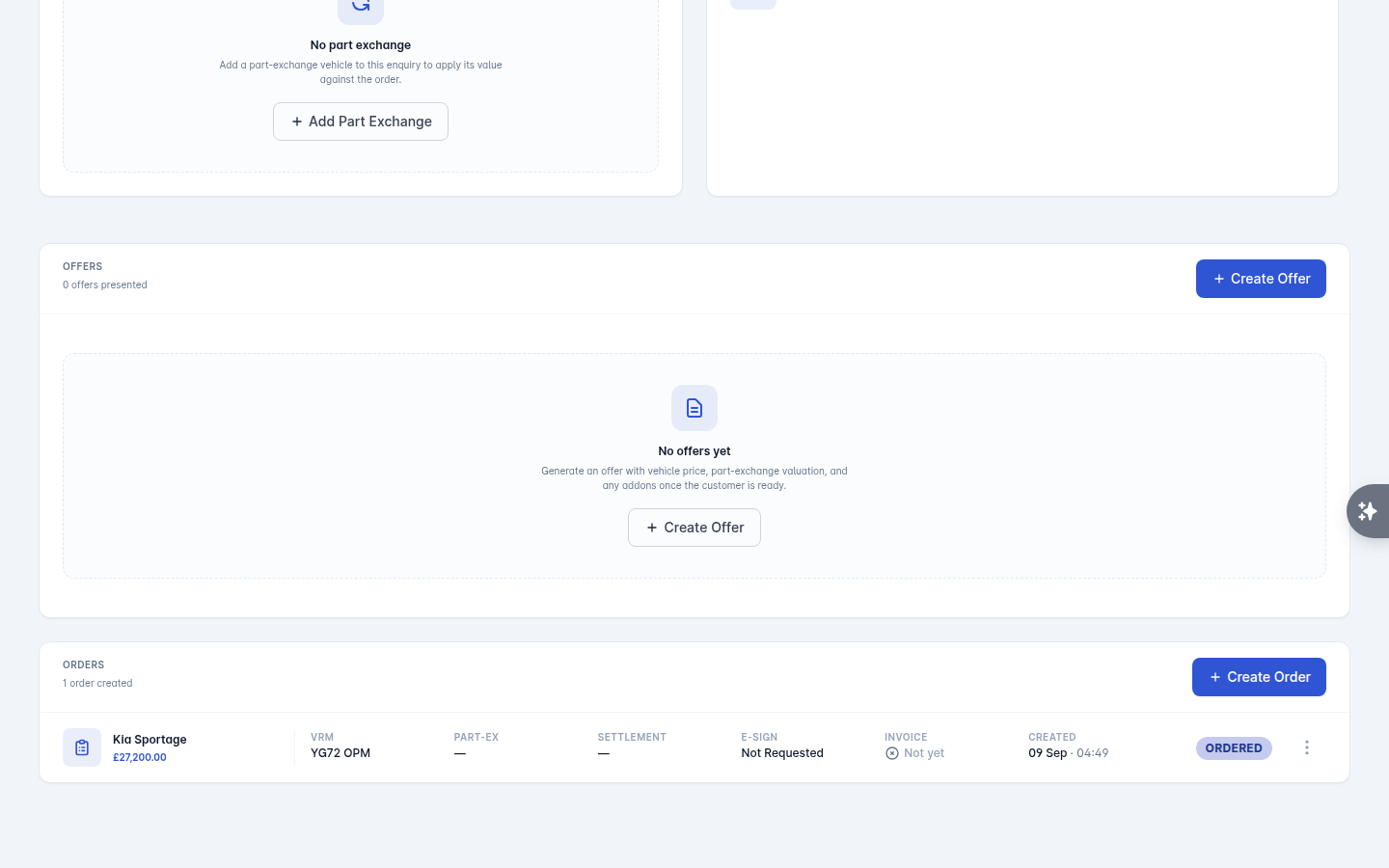
In the Orders panel, open the order's actions menu - the three dots at the end of its row - and select Create Invoice.
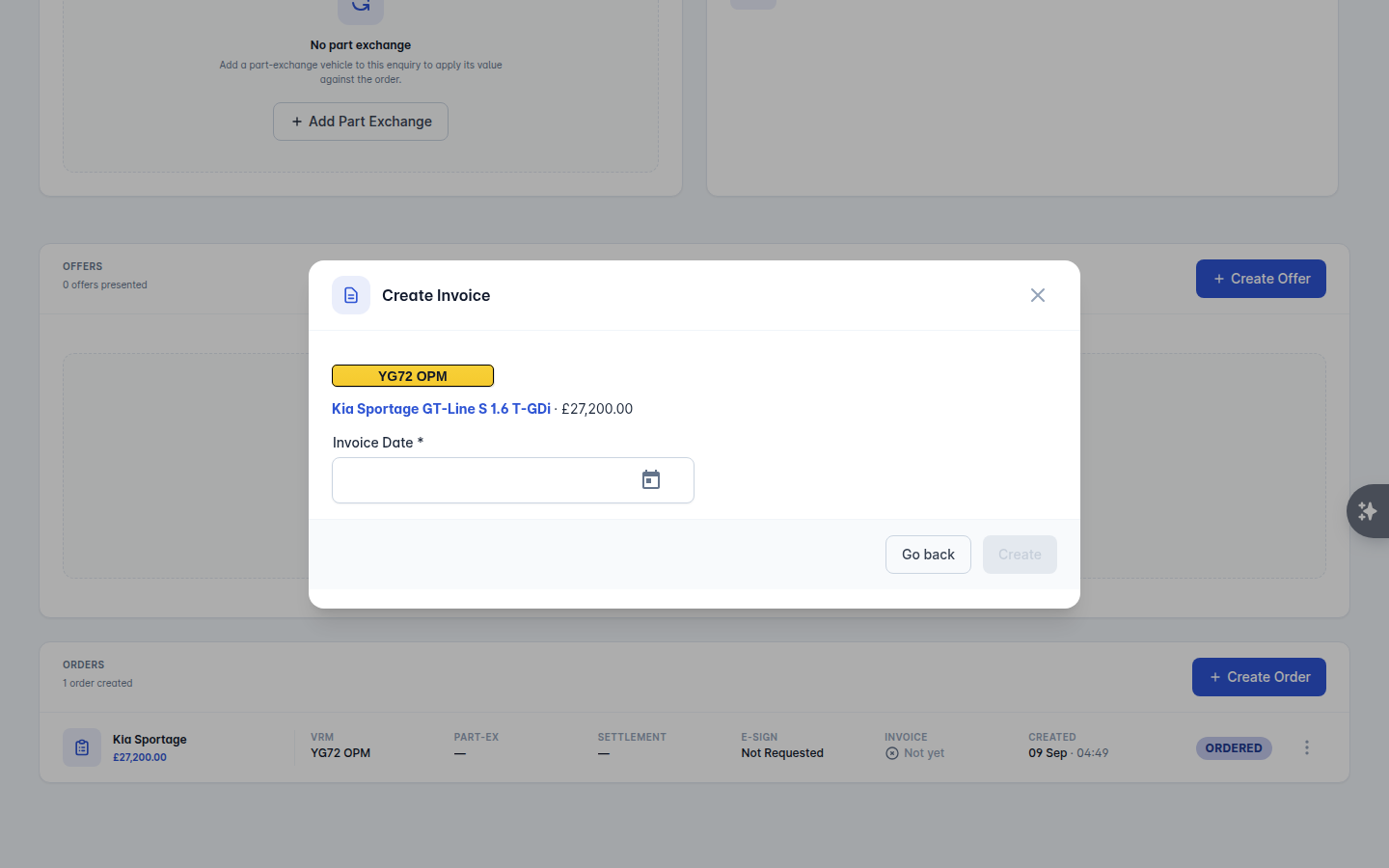
Check what it is about to invoice. The dialog lists the vehicle and its price, the part exchange and its allowance, and any products on the deal.
Set the Invoice Date.
Select Create.
After the invoice
The invoice is generated and available from the enquiry:
View Invoice opens the PDF, which you can download or print.
Email documents sends it to the customer, on its own or with the order form.
Void Invoice cancels one raised in error. It is voided rather than deleted, so the record of it stays.
Payments are recorded against the enquiry, not inside the invoice. Take a card payment, request one by link, or record cash and bank transfers with Add Manual Payment. The balance on the enquiry updates as payments land.