
How to set up Stripe for payment collection
Connecting Stripe lets you take card payments from customers on your website and inside the DMS: deposits on a vehicle, balances against an invoice, and payment links you send by email or text.
Before you start
You need a Stripe account, and you need to have finished Stripe's own verification. Stripe will not release funds to an unverified account.
Taking online payments is part of the paid plans. On the Free plan the panel shows an upgrade prompt instead of the settings.
Connecting Stripe
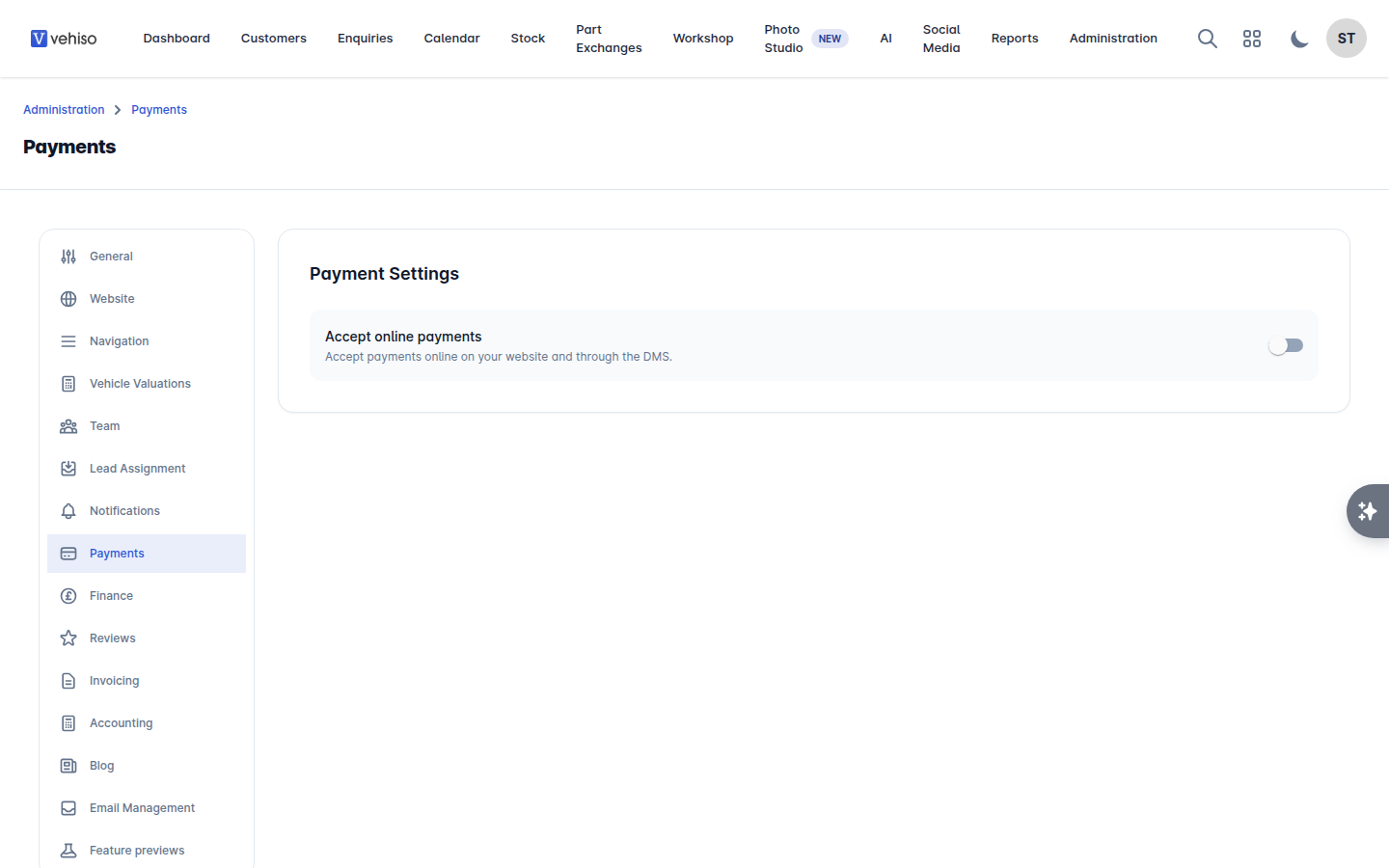
In the DMS, go to Administration > Settings > Payments.
Turn on Accept online payments. The deposit settings and the provider list appear.
Under Payment Providers, find Stripe and select Connect to Stripe.
Follow Stripe Connect through its own screens. When it sends you back, Stripe shows as Connected.
Once connected, Accept Stripe Payments controls whether Stripe is offered as a payment method, and Disconnect Stripe ends the connection.
The other providers
The same panel connects PayPal and Square. You can have more than one connected at once, and each shows Connected or Not connected so you can see at a glance what a customer will be offered.
While you are there
Set your deposit settings on the same panel: how the deposit is worked out and how much it is. That is what a customer is asked for when they reserve a vehicle on your website.
If you see "No card payment providers are connected" while trying to take a payment on an enquiry, this panel is where to fix it.