
How to add a vehicle to stock
Everything downstream depends on the stock record: your website listing, your adverts, the enquiry, the order, the invoice and your margin.
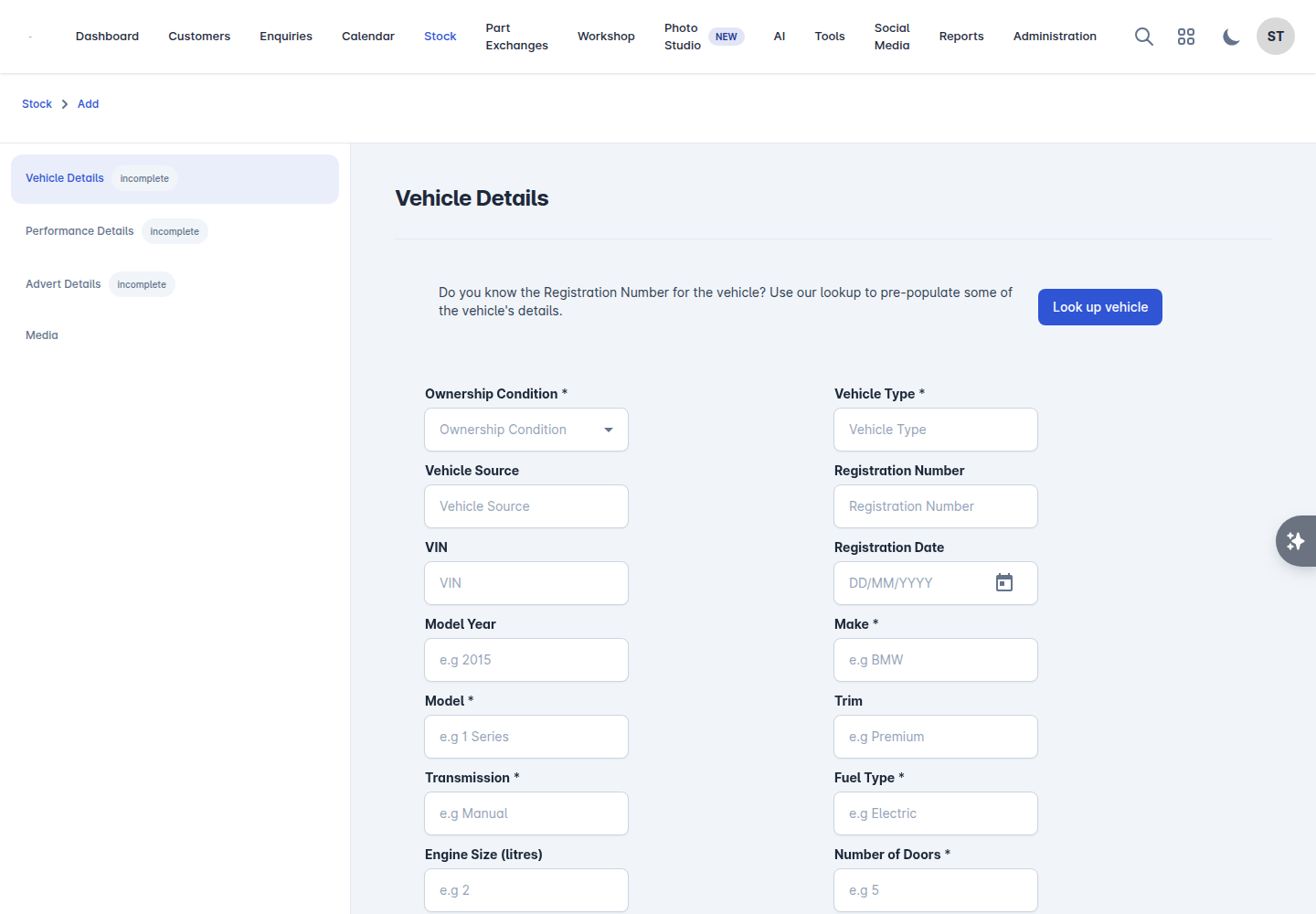
There are two versions of the add screen. The classic version uses a set of tabs. The new stock experience walks you through four steps and is offered as a feature preview under Administration > Settings. Both save to the same place, so use whichever you prefer.
Before you start
Set your default VAT scheme under Administration > Settings > General, and set your branches up, so you are not choosing them on every car.
Adding the vehicle
Go to Stock and select Add.
Enter the Registration Number and select Look up vehicle. Check the details that come back and confirm they are right - the lookup fills in most of the record for you. Fill the details in by hand if the lookup cannot find the car. US dealerships get a Look up VIN button instead, which decodes the VIN.
Finish the Vehicle Details tab: ownership condition, vehicle type, VIN, registration date, make, model, series/trim, transmission, fuel type, engine size, doors, seats, body style and colour. The lookup fills most of this in.
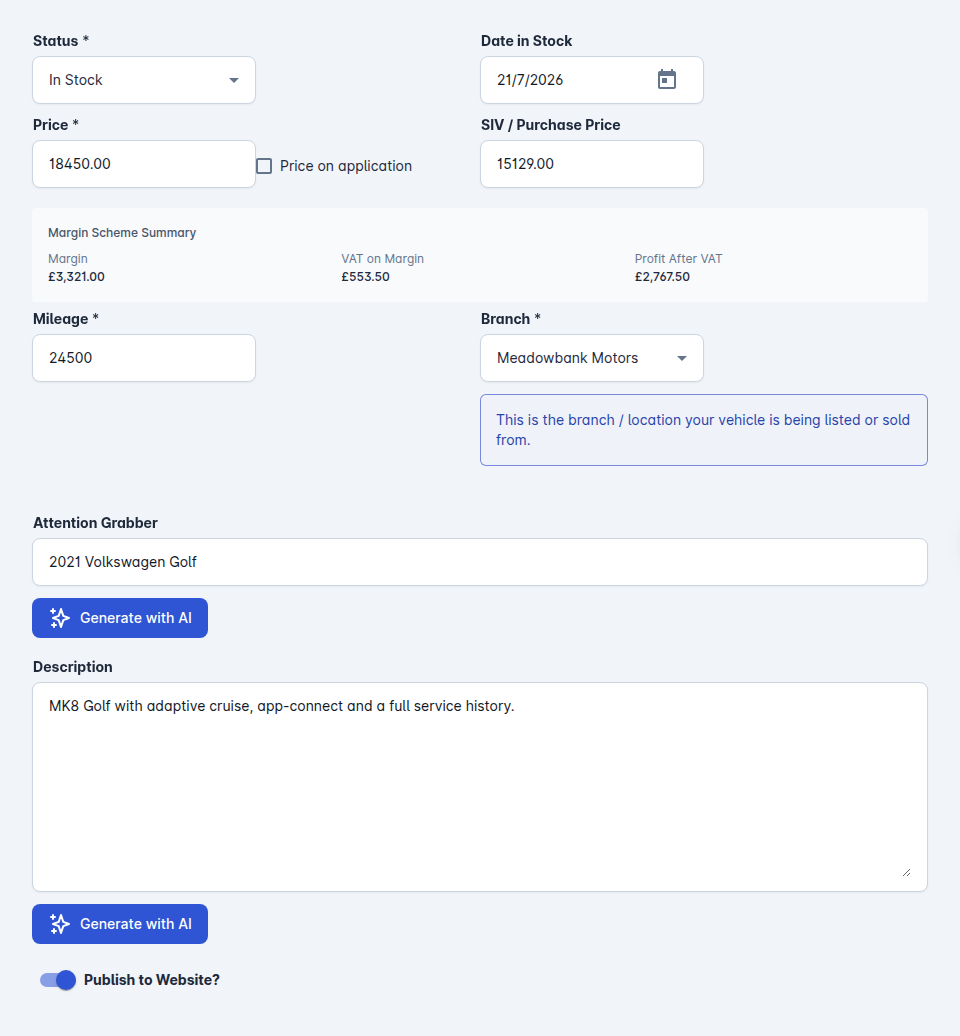
Open Advert Details and set what the car sells for: Status, Date in Stock, Price, VAT Scheme, SIV / Purchase Price, Mileage, Branch, and the Attention Grabber and Description. Publish to Website? is here too.
Select Save.
The other tabs on the vehicle are Performance Details, Media, Costs, Notes and Tasks. A GB dealership also gets MOT History and Vehicle Checks.
Then add the photos
A car with no photographs does not sell. Open the vehicle and add its images on the Media tab: drag them into the order you want, and the first one is the main image everywhere. If you have the add-on, Photo Studio can replace the background with a showroom and put your logo on the result.
Then put it up for sale
Set the Status to In Stock and publish it to your website and to whichever feeds you use under Stock Feeds & Integrations. Until it is published and in stock, nobody outside your dealership can see it.