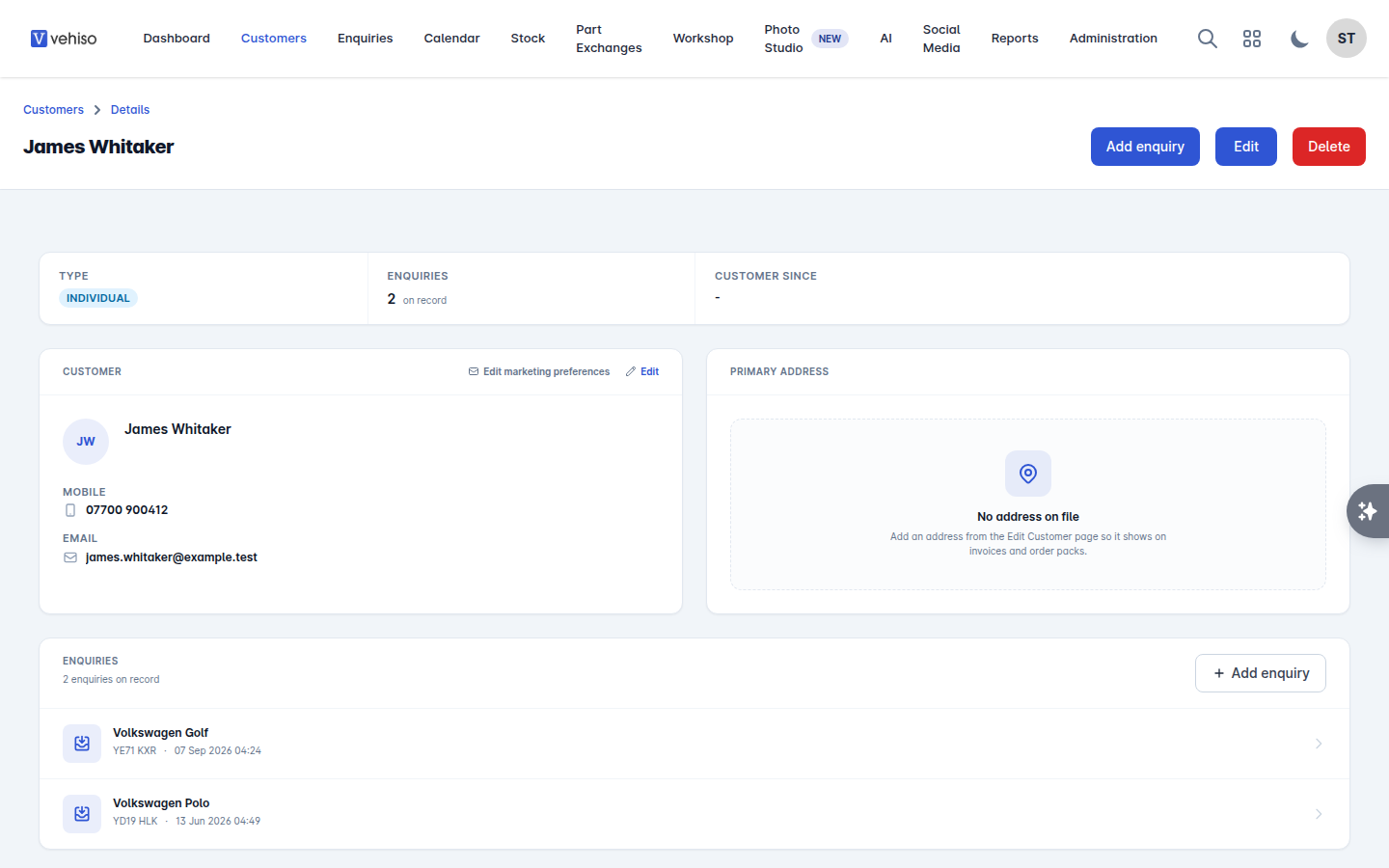
How to add a Customer
A customer record holds the person or business you are dealing with: their contact details, their address for paperwork, their marketing preferences and every enquiry they have made.
Most customers create themselves. A website enquiry, a finance application or a workshop booking all create the record for you. Add one by hand when someone walks in or phones up.
Adding one
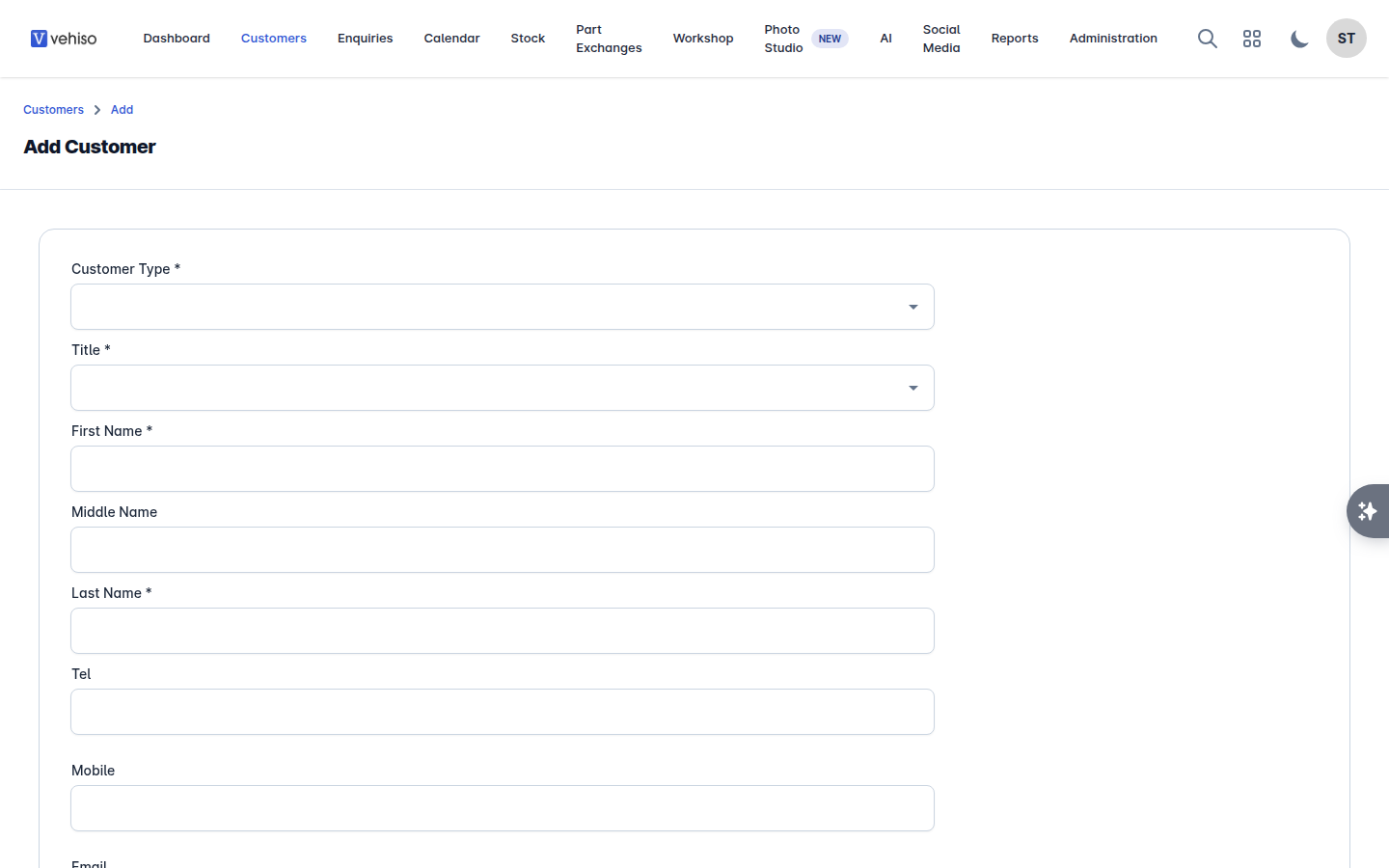
Go to Customers and select Add.
Choose the Customer Type: Individual or Business.
Fill in the details. Business Name appears for business customers only. The Mobile number is the one text messages go to, and Date of Birth is needed for finance applications.
Tick the marketing consents if the customer has agreed to receive marketing emails or texts. Leave them clear if you are not sure - you can set them later, and consent has to be given rather than assumed.
Select Save.
What you can do next
From the customer's record you can:
Select Add enquiry to start an enquiry with them already filled in.
Open any of their existing enquiries from the Enquiries panel.
Raise a purchase order against a vehicle you have bought from them, from the vehicle's own page in Stock.