
Products and suppliers
Products
Products are the extras you sell alongside a car: warranties, paint protection, GAP insurance, service plans. They have to exist here before they can be added to an offer, an order or an invoice.
Go to Administration > Products.
Select Add.
Choose the Product Type.
Enter the Name and Description.
Set the Base Price.
Set the Tax Type. Tick Standard National Tax Rate to use your country's standard rate, or enter your own Tax Rate (%).
Save.
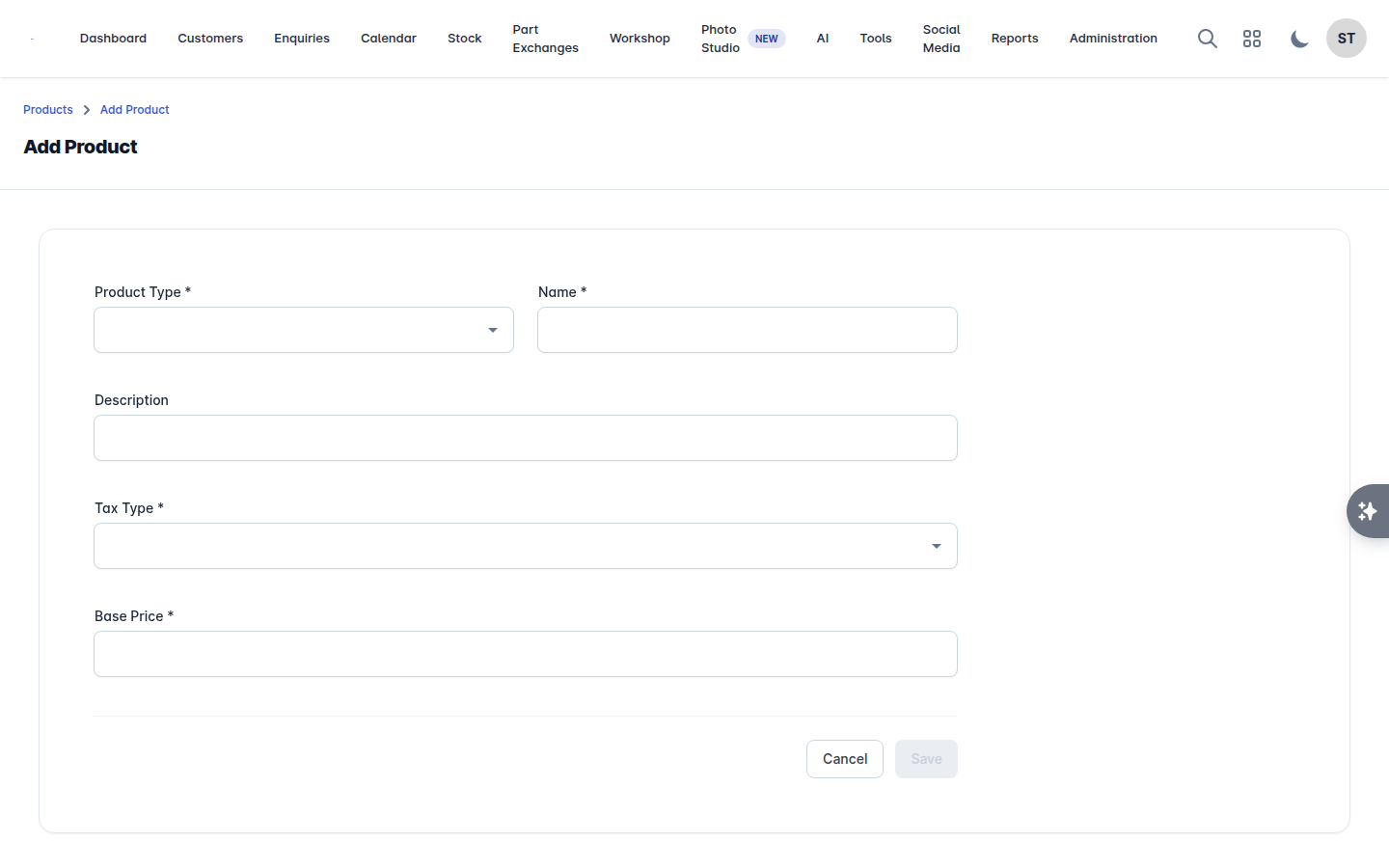
The base price is the starting point, not a fixed price. When a product is added to a deal you can Edit Price on that deal without changing the master record. See Offers and orders.
If a product does not appear when you search on an offer, it is because it has not been set up here.
Suppliers
Suppliers are the businesses you buy from and work with: auction houses, trade sellers, warranty companies, valeters, and your finance providers.
Go to Administration > Suppliers.
Select Add.
Choose the Supplier Type.
Enter the Name, Tel, Email and Website.
Enter the address: Address Line 1 and 2, City, County, Country.
Save.
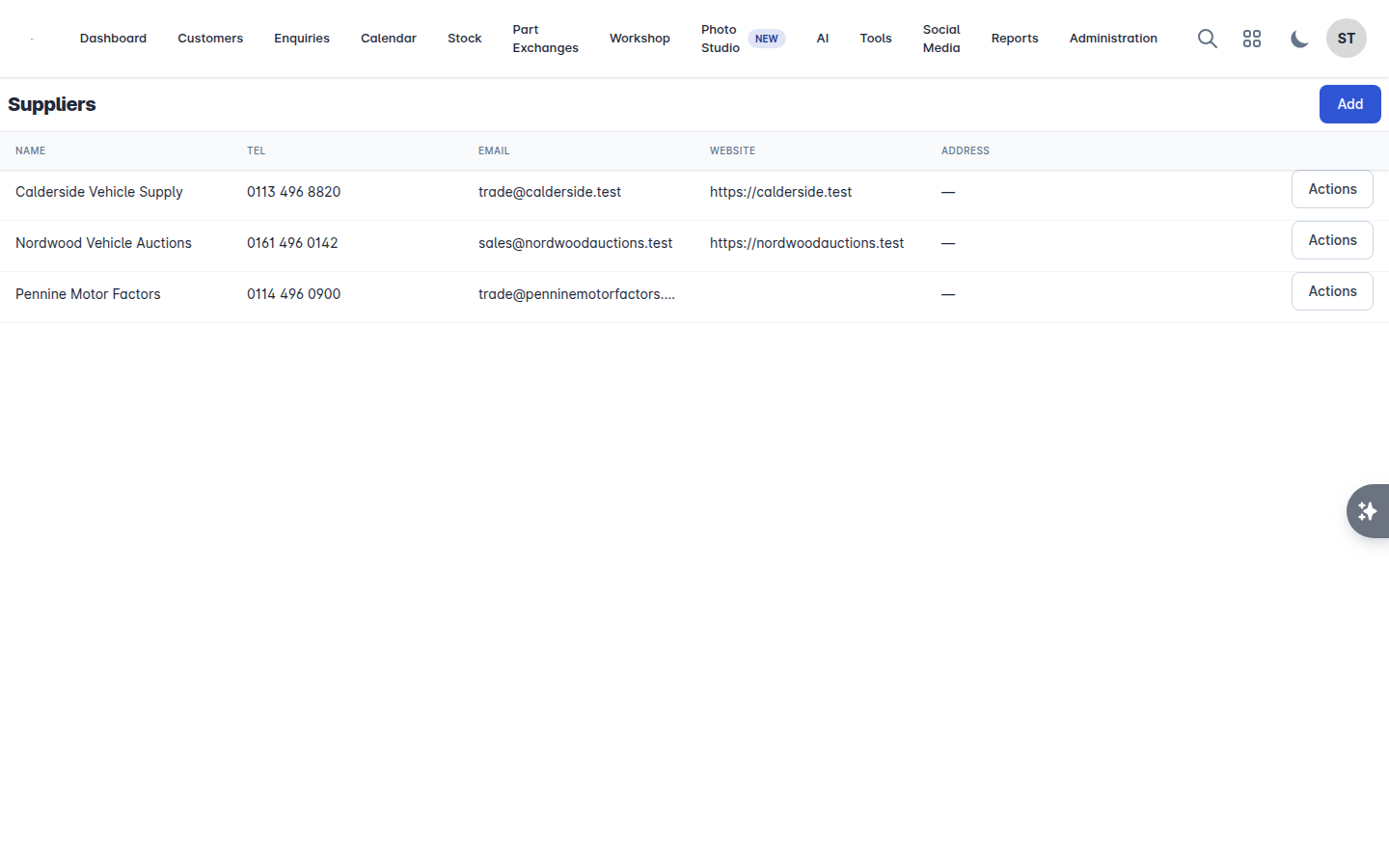
Suppliers turn up in three places:
Purchase orders on a vehicle, when recording what you paid for a car. See Costs, notes and tasks.
The Finance Provider list on an offer or order. If your finance company is missing from that list, add them here as a supplier.
Job cards, where a job can be invoiced to a supplier rather than the customer. See Workshop invoicing and payments.