
The AI Assistant and recommendations
Two different things, both under the AI umbrella:
The AI Assistant is a chat panel that lives in the corner of every page and gets things done for you.
AI Recommendations are a daily list of things worth acting on across your stock, enquiries, customers and workshop.
Both are part of a paid feature, with a free trial available.
The AI Assistant
Open it from the launcher in the bottom corner of any page.
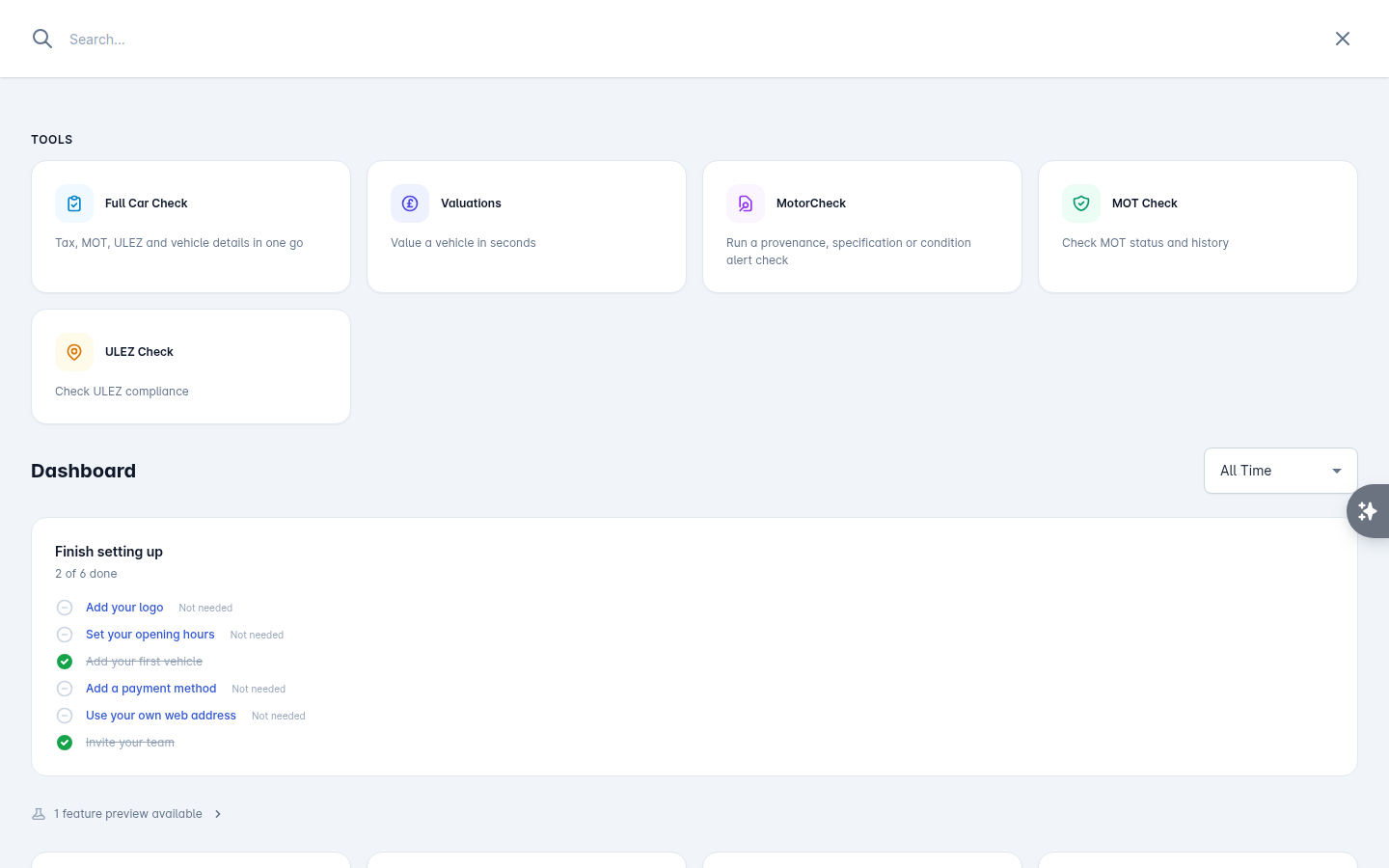
Ask it anything about your own data - customers, stock, enquiries and deals - in plain English:
"Which cars have been in stock more than 90 days?"
"Find me John Smith's enquiry"
"What's the MOT history on AB12 CDE?"
It can also do things: draft and send emails and texts, add notes, schedule follow-ups, log part exchanges, and act on the day's recommendations.
When it answers with a record it shows it as a card - a customer with their email, phone and branch, a vehicle with its status and days in stock, an MOT history, a valuation, a ULEZ check - with Open record to go there properly.
Nothing goes out without your say-so
When the assistant wants to send something to a customer, it shows you the subject and message first, marked Needs your approval. You can edit it before sending. Approve sends it; Cancel does not.
Conversations
New conversation starts fresh. History shows past conversations, which are read-only - start a new one to carry on.
There is a daily limit on assistant use, which resets at midnight.
AI Recommendations
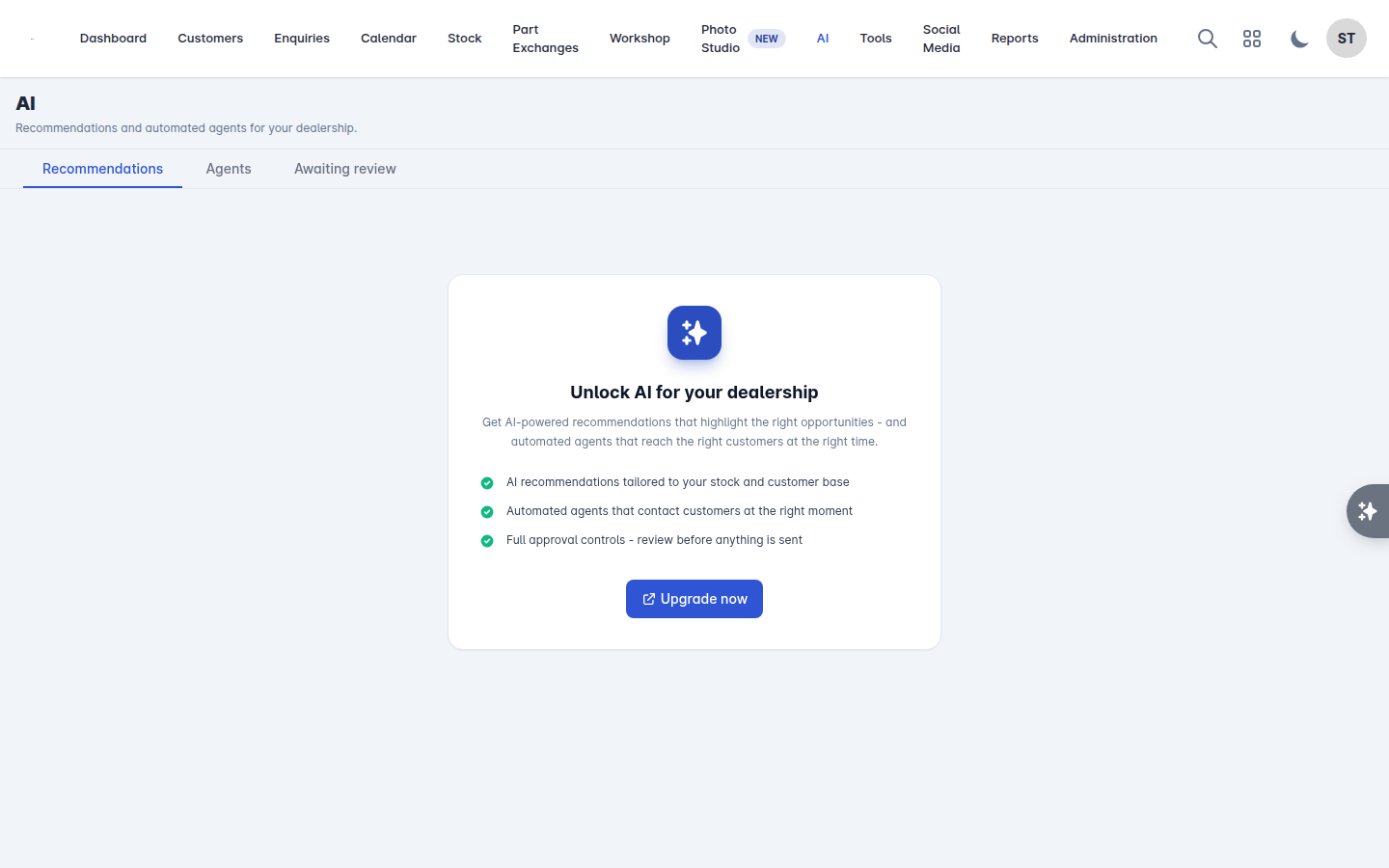
Go to AI > Recommendations.
Recommendations are grouped by category: Stock, Enquiries, Customers, Pipeline and Workshop. Each one tells you what it spotted and why it matters.
Filter by branch and by minimum urgency.
Refresh re-runs them.
Dismiss removes one you are not going to act on.
If the list is empty, that is the intended state, not a fault: recommendations appear when there is something worth telling you about.
Getting value out of it
The assistant is at its best for the questions that would otherwise mean three screens and a filter: which cars are ageing, which enquiries have gone quiet, what a customer bought last time.
Recommendations are best read once a day, first thing, in the same way you would read the tasks panel. Anything you act on, act on properly - open the record and do the work there.