
Value My Car
The Value My Car page lets a visitor put in their registration and mileage and either get a figure on the spot or ask you to call them back. It is one of the better sources of part exchange leads, because the people using it are thinking about changing their car right now.
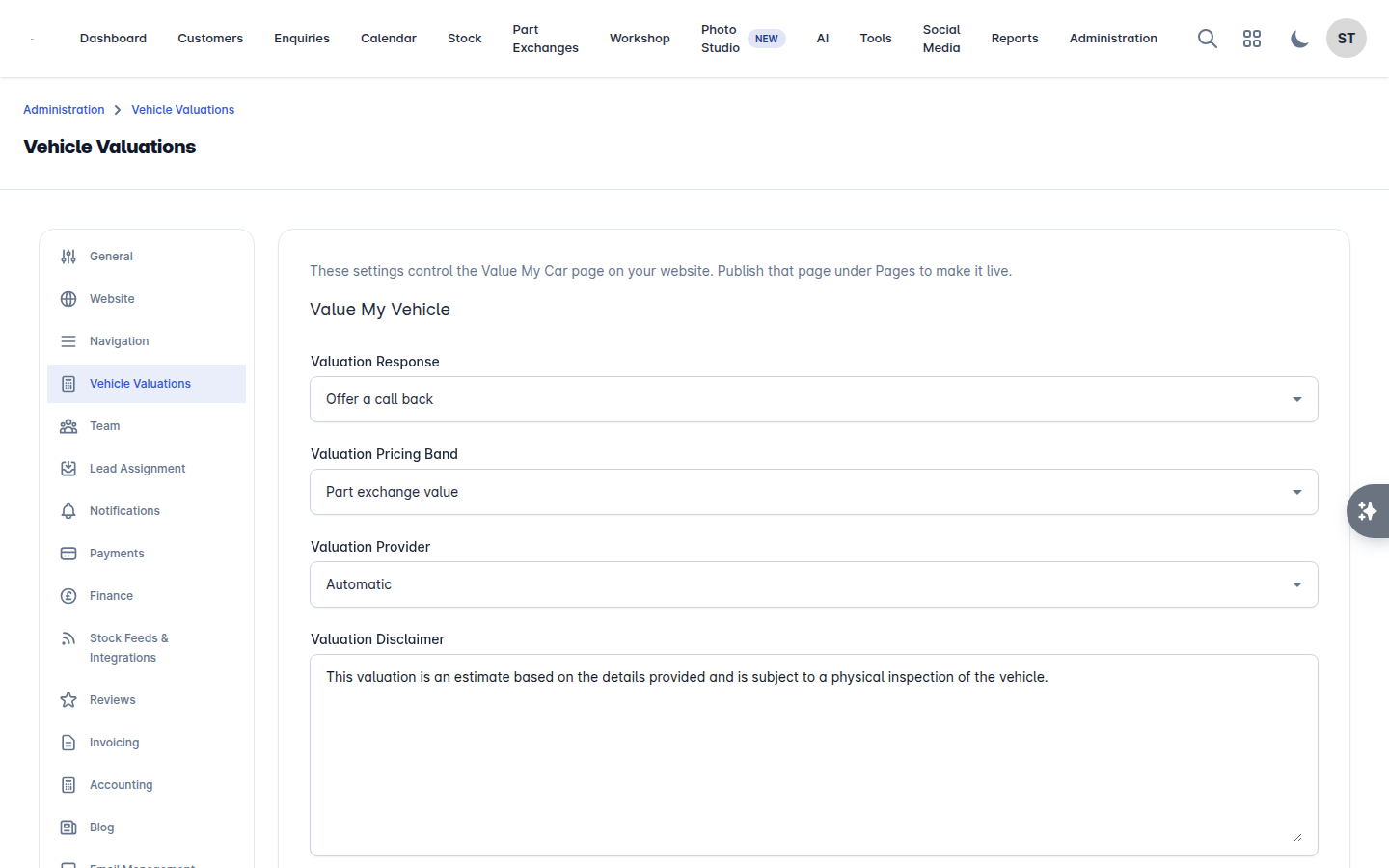
Go to Administration > Settings > Vehicle Valuations.
How you answer
Choose one:
Offer a call back - the visitor leaves their details, is told someone will be in touch, and you get an email. This is the default.
Show an instant valuation - a figure is quoted on the page.
An instant valuation is a number the customer will expect you to honour, so it is deliberately something you turn on rather than something that is on by default.
Which figure to quote
If you are quoting instantly, choose the band:
Band | What it means |
|---|---|
Part exchange value | What you would allow against another car. The conservative one |
Trade value | What the trade would pay |
Private sale value | What it would fetch sold privately |
Retail value | What it would be advertised at on a forecourt. The optimistic one |
Most dealers quote the part exchange value, because that is the conversation the customer is actually having. Quoting retail online and offering part exchange money in person is a good way to lose the deal at the desk.
Provider and wording
Provider - which valuation service the figures come from. This needs a valuation provider connected, such as AutoTrader or VehicleDataGlobal.
Disclaimer - the wording shown under the figure. Say that it is subject to inspection and mileage, and anything else your business needs.
Making the page live
The settings control the page, but the page itself has to be published. Go to Administration > Pages, find the Value My Car page and Publish it. Add it to your header menu under Administration > Settings > Navigation if you want it easy to find. See Website navigation menu.
What happens to the leads
A submission creates an enquiry, so it lands in Enquiries like any other lead and can be assigned automatically. See Create an enquiry and Your team.