
Reviews
Reviews on your own website do two jobs: they reassure a customer who is already looking at a car, and they give you somewhere to point when someone asks whether you are any good.
Vehiso handles three kinds: reviews collected by you, your AutoTrader reviews, and your Google reviews.
Your own reviews
Go to Reviews.
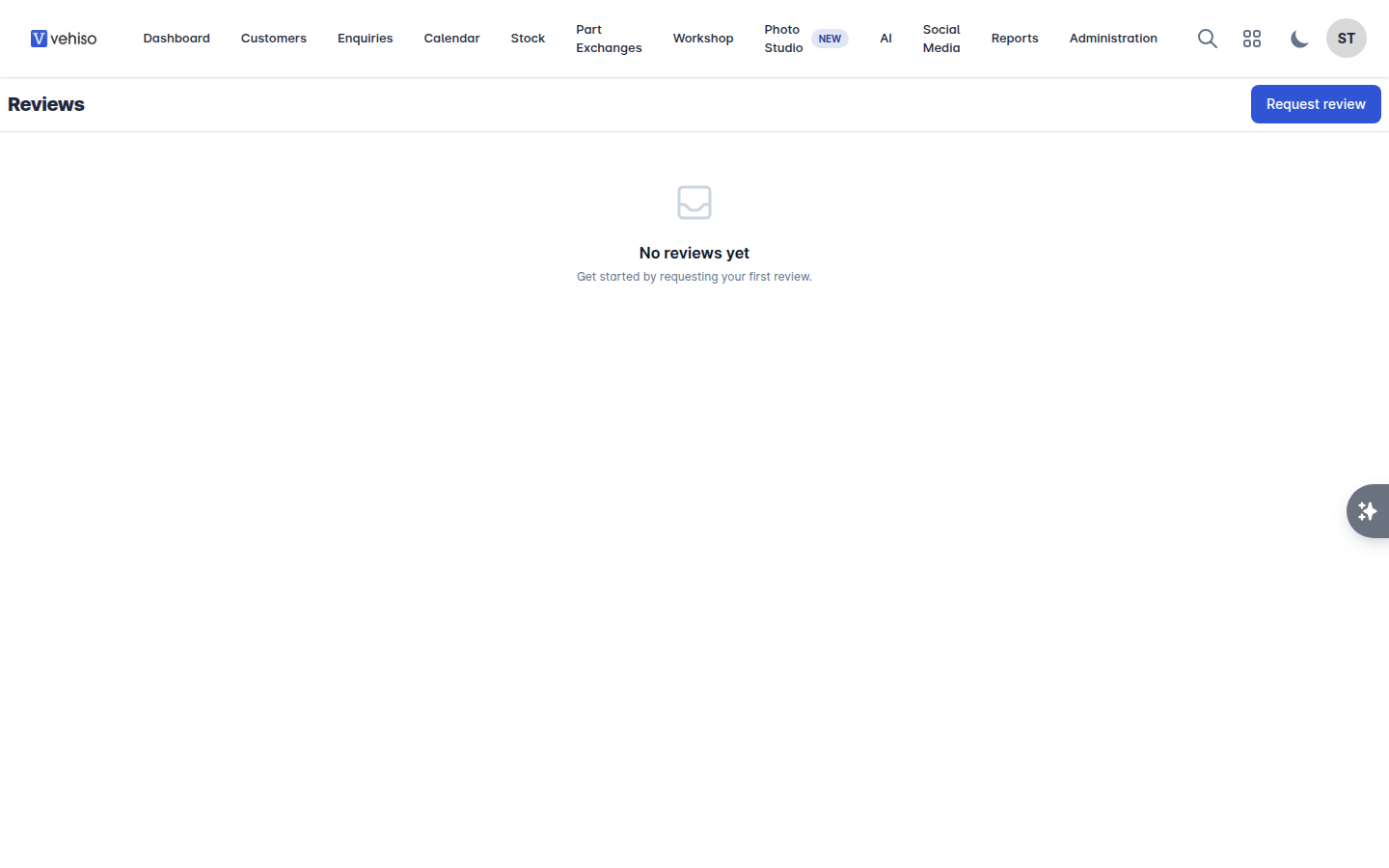
Asking for one
Select Request review.
Enter the Customer name and Customer email.
Select Send request.
The customer gets an email inviting them to leave a review. Ask at handover, while they are pleased with you - not a fortnight later.
Publishing them
Each review shows the Reviewer Name, Reviewer Email, Star rating, Comment and Experience Date. Nothing appears on your website until you Publish it. You can Unpublish or Delete a review later.
Publish the mediocre ones as well as the glowing ones. A page of nothing but five stars reads as fake, and buyers know it.
AutoTrader reviews
AutoTrader dealer reviews are a UK product: the profile pages the link points at only exist on autotrader.co.uk. If your dealership is outside Great Britain the AutoTrader section is not shown at all, and the panel offers Google reviews only.
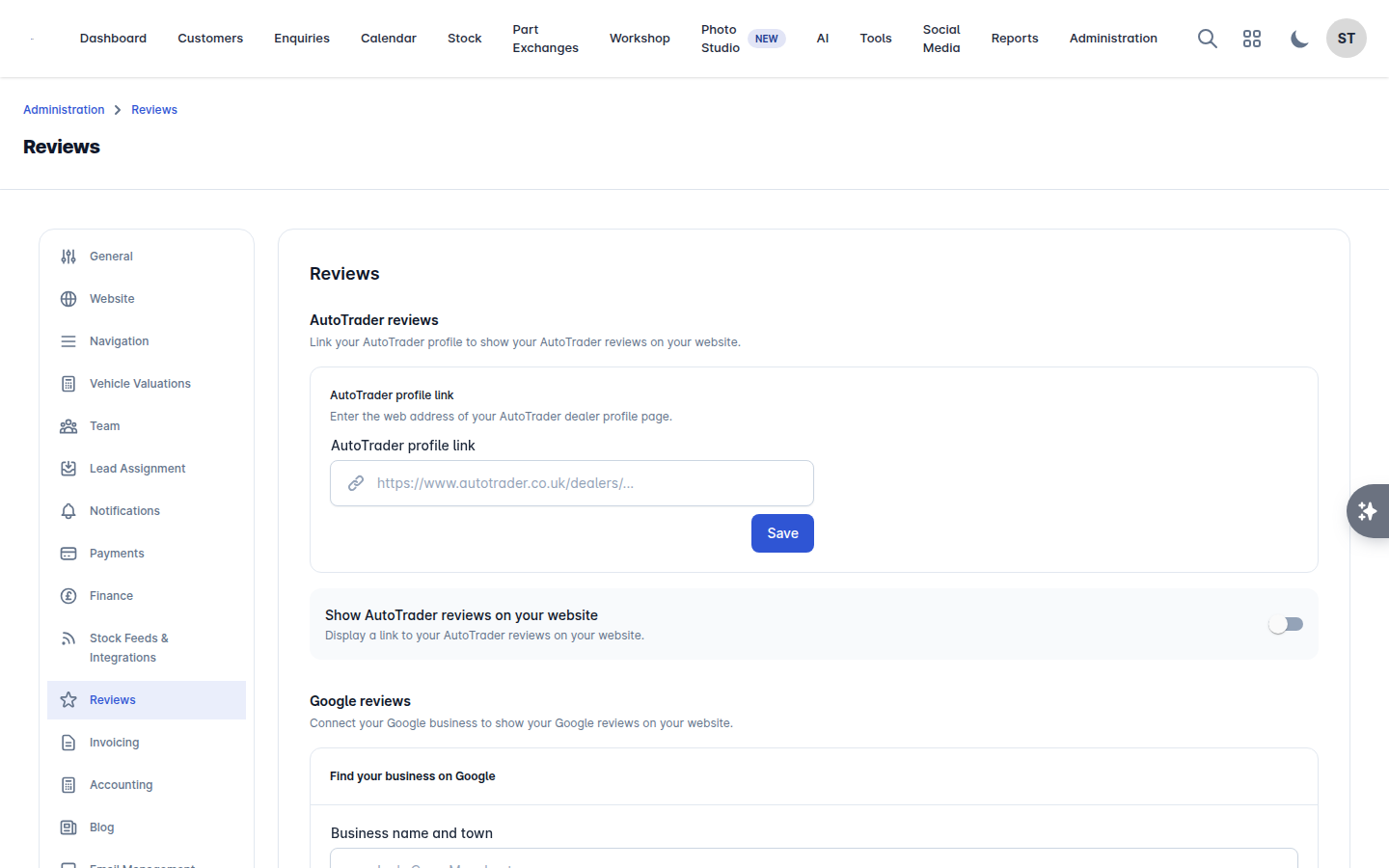
Go to Administration > Reviews, open the reviews settings from there, and find AutoTrader reviews.
Enter your AutoTrader profile link - the web address of your AutoTrader dealer profile.
Save.
Turn on Show AutoTrader reviews on your website to display a link to them.
Google reviews
The best way to connect is to sign in with the Google account that manages your business, because that brings in every review on your profile rather than the handful Google shows publicly.
Go to Administration > Reviews and find Connect your Google Business Profile.
Select Connect with Google and sign in with the account that manages your business. When Google asks, you must allow access to your business listings. Without that permission we cannot read your reviews, and the connection ends up pointing at nothing.
If that account manages more than one location, Choose a location - pick the one this website is for.
Turn on Show on website to display a "Read our reviews on Google" link.
Once connected, the panel shows the business, its address, a View on Google link, which Google account you are Signed in as, how many reviews on Google you have and your Average rating. Refresh reviews fetches the latest ones, and Last updated says when that last happened. If an update fails, the reason is shown under The last update failed.
If you cannot sign in to that Google account
Select Cannot sign in to that Google account? and search for the business by Business name and town, for example "Joe's Cars, Manchester", then pick it from the results.
This route only imports the reviews Google shows publicly, and there are never more than five. The panel says so and offers Connect with Google whenever you are ready to sign in and bring in the rest.
Disconnect stops your website showing the Google reviews link. Reviews already saved stay in your reviews list until you remove them.