
Purchase orders, deliveries and returns
Buying parts in, booking them onto the shelf, counting what is there, and getting credit for what goes back.
Reorder
Workshop > Reorder is everything at or below its reorder point, grouped by who to order it from.
Choose the branch. The screen needs one, because reorder points are per location.
Check the Suggested quantities against On hand, Available, On order and Reorder at.
Select Draft the orders.
Orders are created as drafts, one per supplier, for you to check before sending. Parts with no preferred supplier cannot be drafted into an order and are listed separately - set a preferred supplier on the part first.
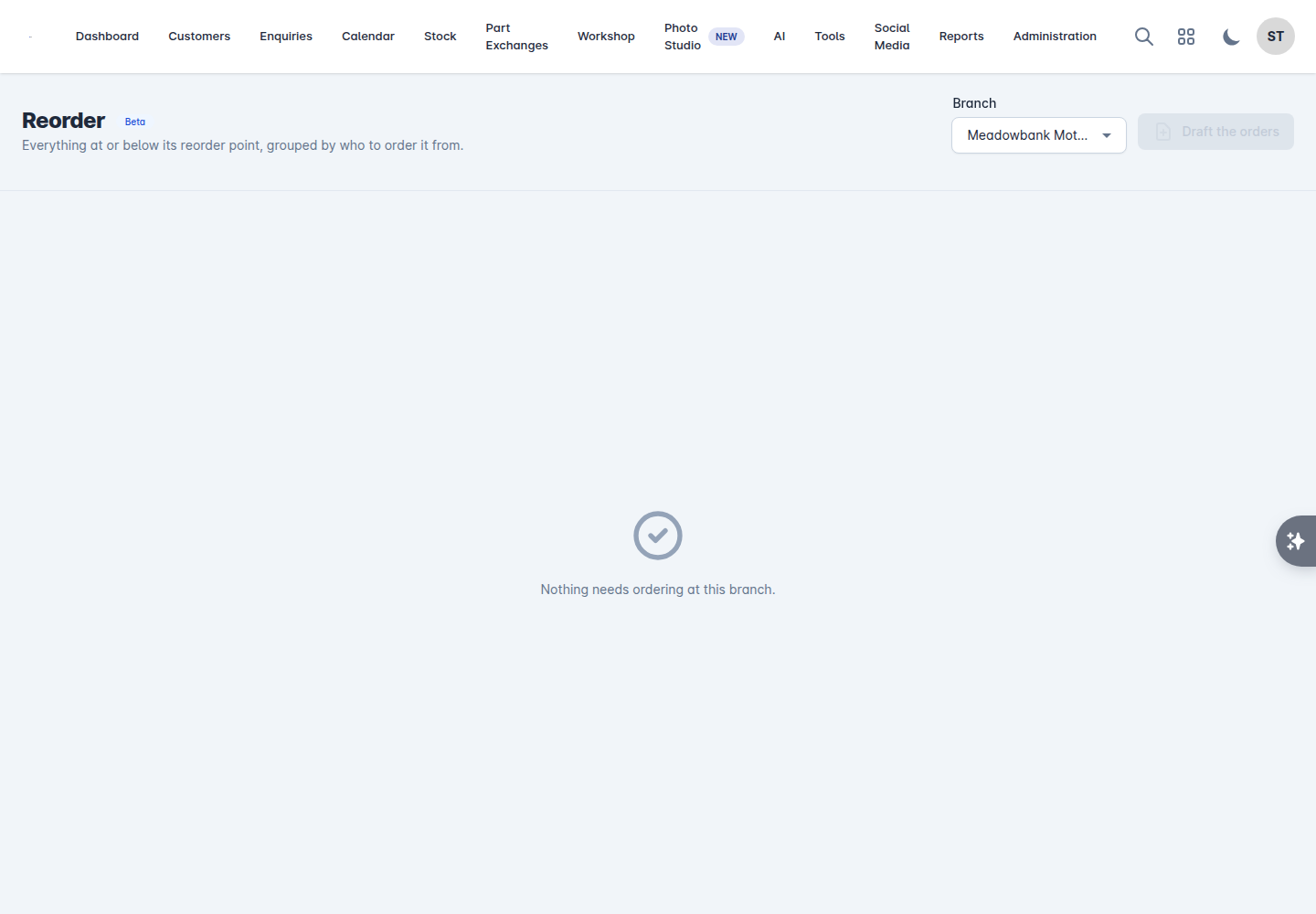
Working from this screen once a day beats ordering part by part as jobs come in: you get fewer deliveries, better carriage, and fewer jobs sat waiting.
Purchase orders
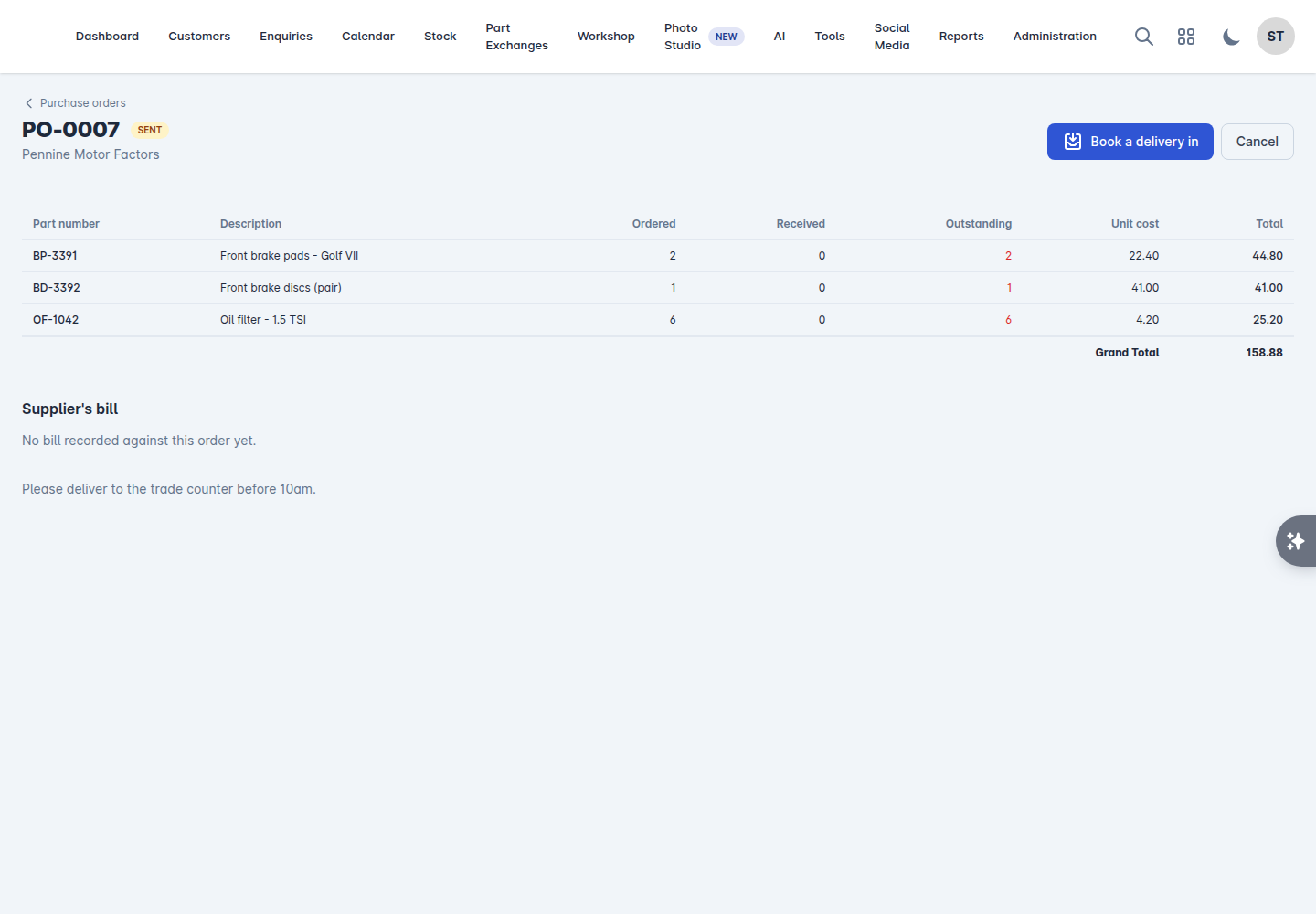
Workshop > Purchase Orders lists your orders and their status.
Status | Meaning |
|---|---|
Draft | Created, not yet sent |
Sent | With the supplier |
Part received | Some of it has arrived |
Received | All of it has arrived |
Cancelled | Called off |
Raising one by hand
Select New purchase order, choose the Supplier and the branch, add the parts and quantities with their Unit cost, add a Reference and any Notes, and save.
Sending it
Send to supplier moves the order out of draft. From that point the quantities count as On order against those parts, which is what stops the reorder screen suggesting them again.
Booking a delivery in
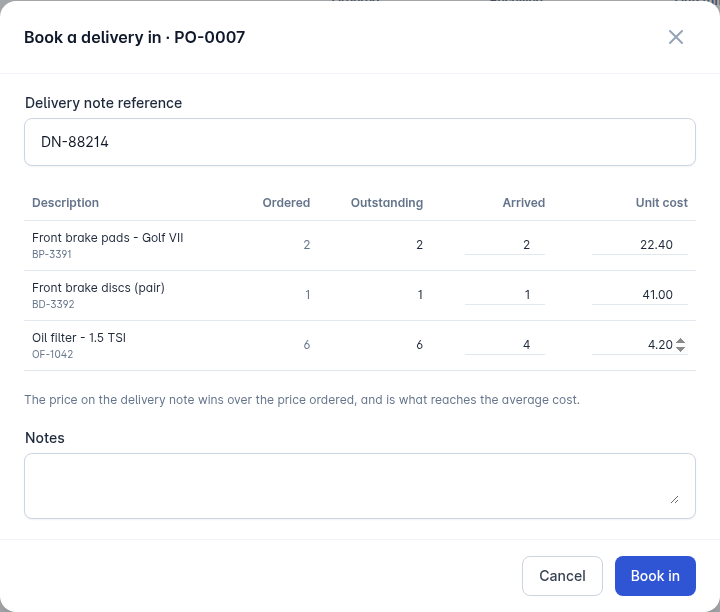
When the parts arrive, select Book a delivery in on the order.
Enter the Delivery note reference.
Enter what actually arrived against each line, and the price on the delivery note.
Book in.
The price on the delivery note wins over the price ordered, and it is what reaches the part's average cost. Enter what the note says rather than what you expected to pay, or your margins drift.
Deliveries are listed against the order, so a part-delivered order shows what came, when, and on which note.
When the rest is never coming
Close short stops the outstanding quantity being counted as on order, so the reorder screen picks it up again. Cancel does the same for the whole order.
The supplier's bill
Record the invoice against the order with Record the bill: the Invoice number, Invoice date, Net, VAT and total.
If the bill does not match what was booked in, the order shows how far out it is. That is your prompt to query it with the factor while the delivery note is still to hand.
Stock takes
Workshop > Stock Takes. Count a run of bins rather than the whole store, and the numbers stay honest.
Select Start a count.
Narrow it to a run of bins with Bins starting, and choose the branch.
Work through the lines entering the Counted figure against each Expected one. Search by part number, description or bin.
Tick Variances only to see just the lines that disagree.
Move to review when the counting is done.
Check the variances and the Shrinkage value, then Apply to stock.
Only counted lines with a difference move stock. Cancelling a count posts nothing.
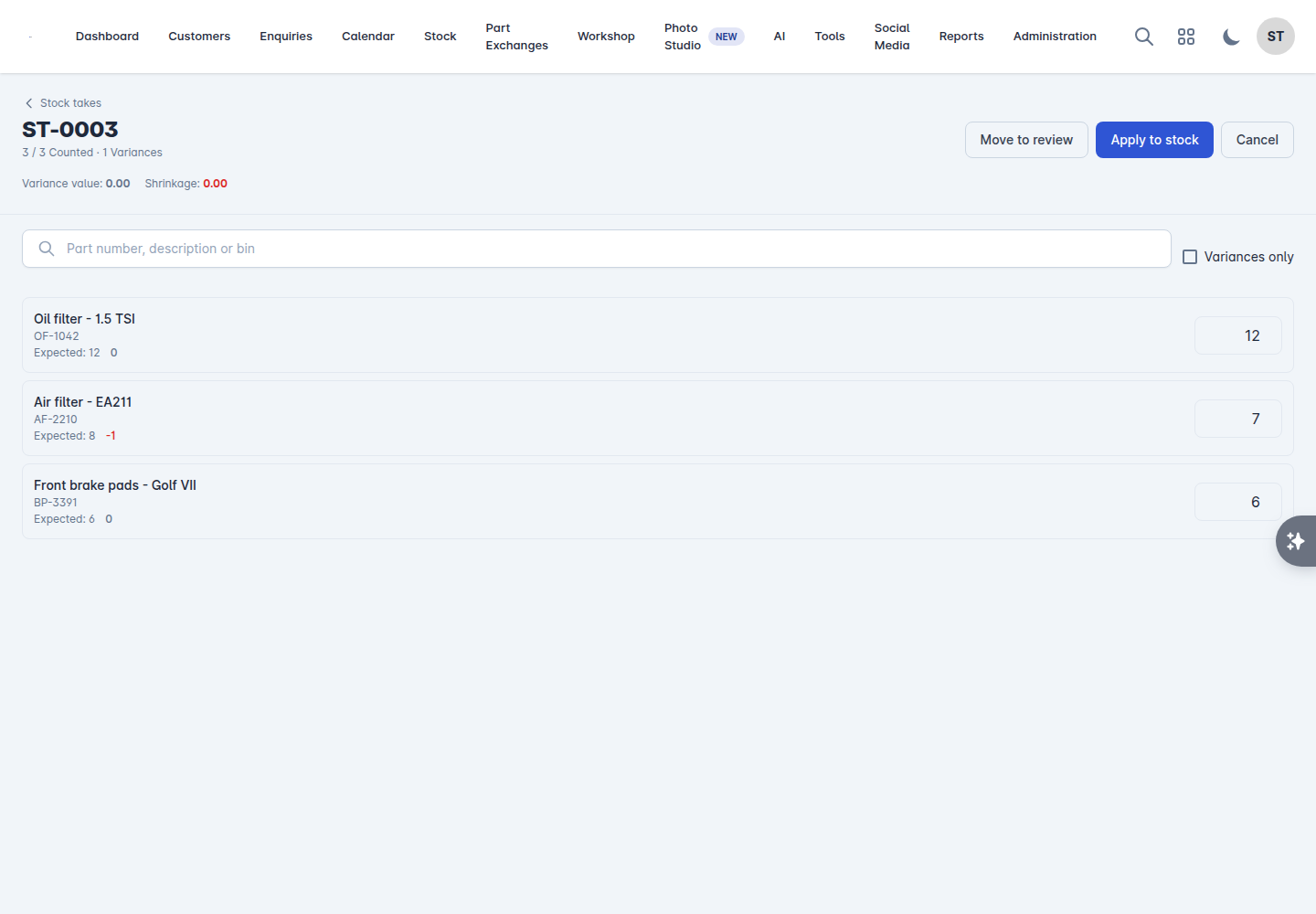
Small, frequent counts of a few bins find problems while you can still explain them. An annual count of the whole store finds the same problems a year too late.
Returns and surcharges
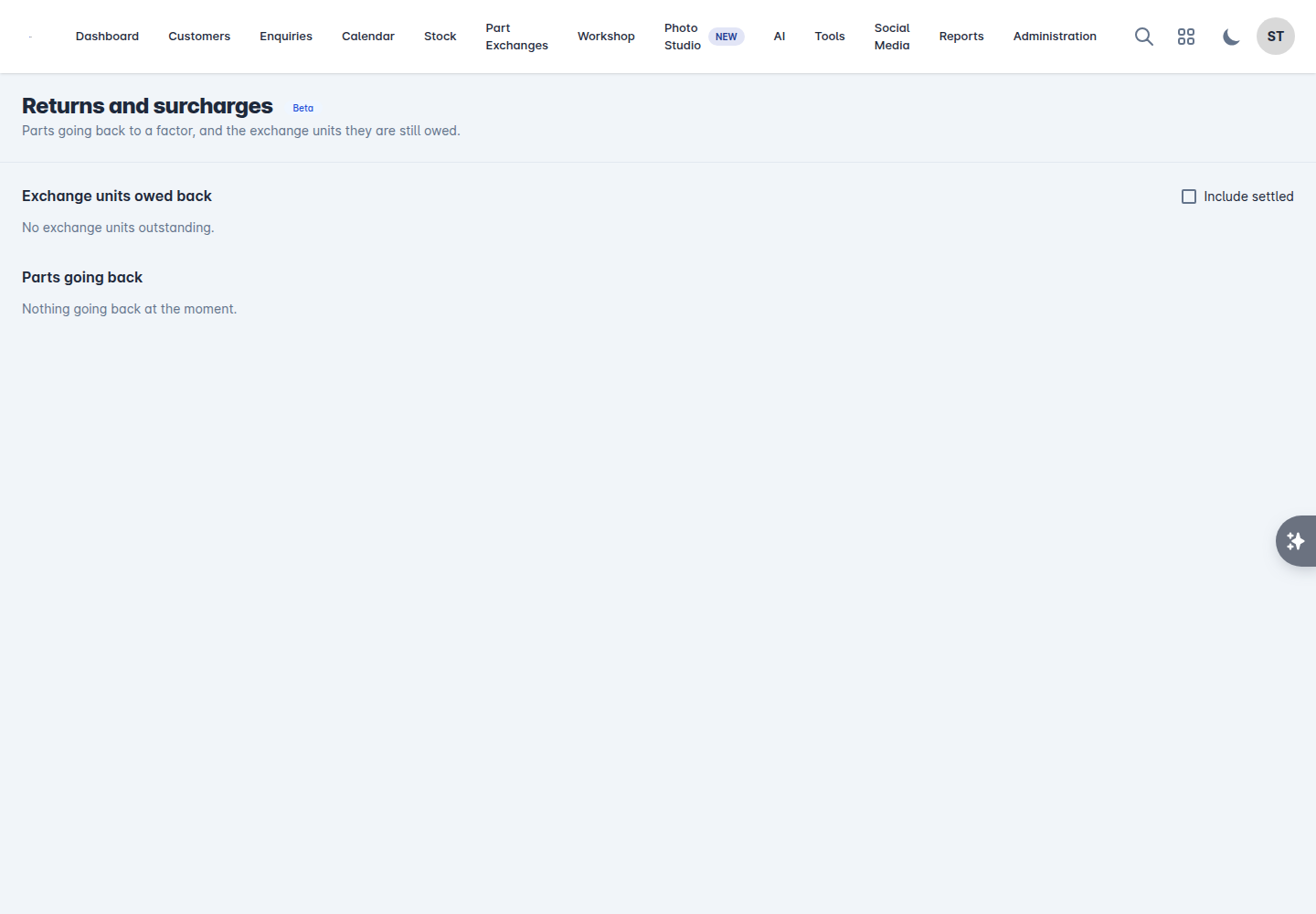
Workshop > Returns covers two things: parts going back to a factor, and the exchange units they are still owed.
Parts going back
A return moves through Mark sent when it goes back, then Mark credited when the credit lands. If the supplier turns it down, mark it Refused and the stock comes back onto the shelf.
Exchange units owed back
Where a part carried a surcharge, the old unit is owed back to the factor. The list shows what is outstanding and when each is Due back. Record Old unit in when it goes back, and the surcharge is settled.
Anything past the return window is called out at the top: chase them before the credit is lost. Write off a surcharge only when the money is genuinely not recoverable - it cannot be recovered afterwards.
Tick Include settled to see the ones already dealt with.
Outstanding surcharges are real money sitting on your shelf in the shape of old alternators. The workshop report tracks their value and how many are overdue.