
Taking workshop bookings
A booking is a slot in the diary. A job card is the work itself. A booking becomes a job card when the car arrives.
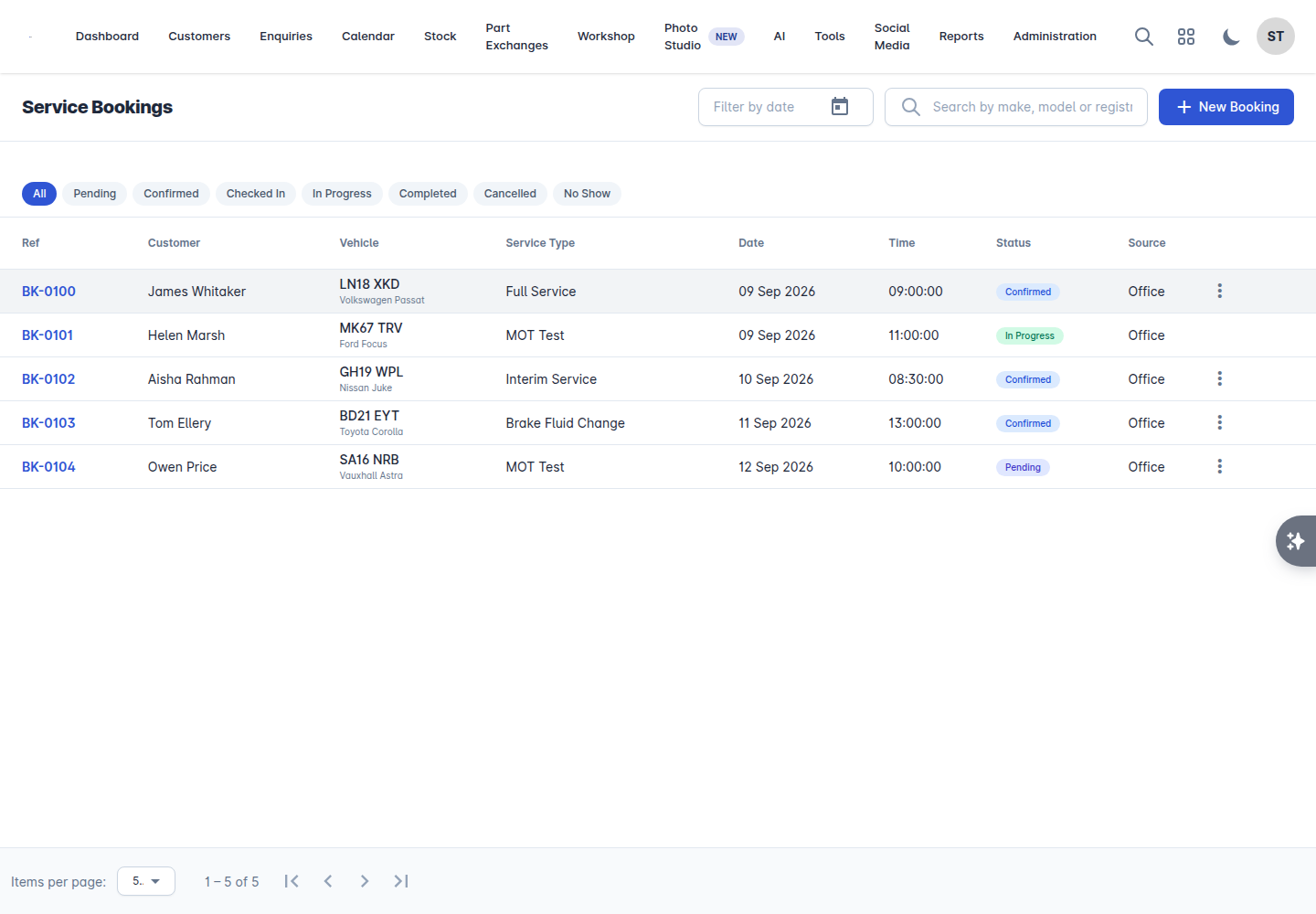
Go to Workshop > Bookings.
Creating a booking
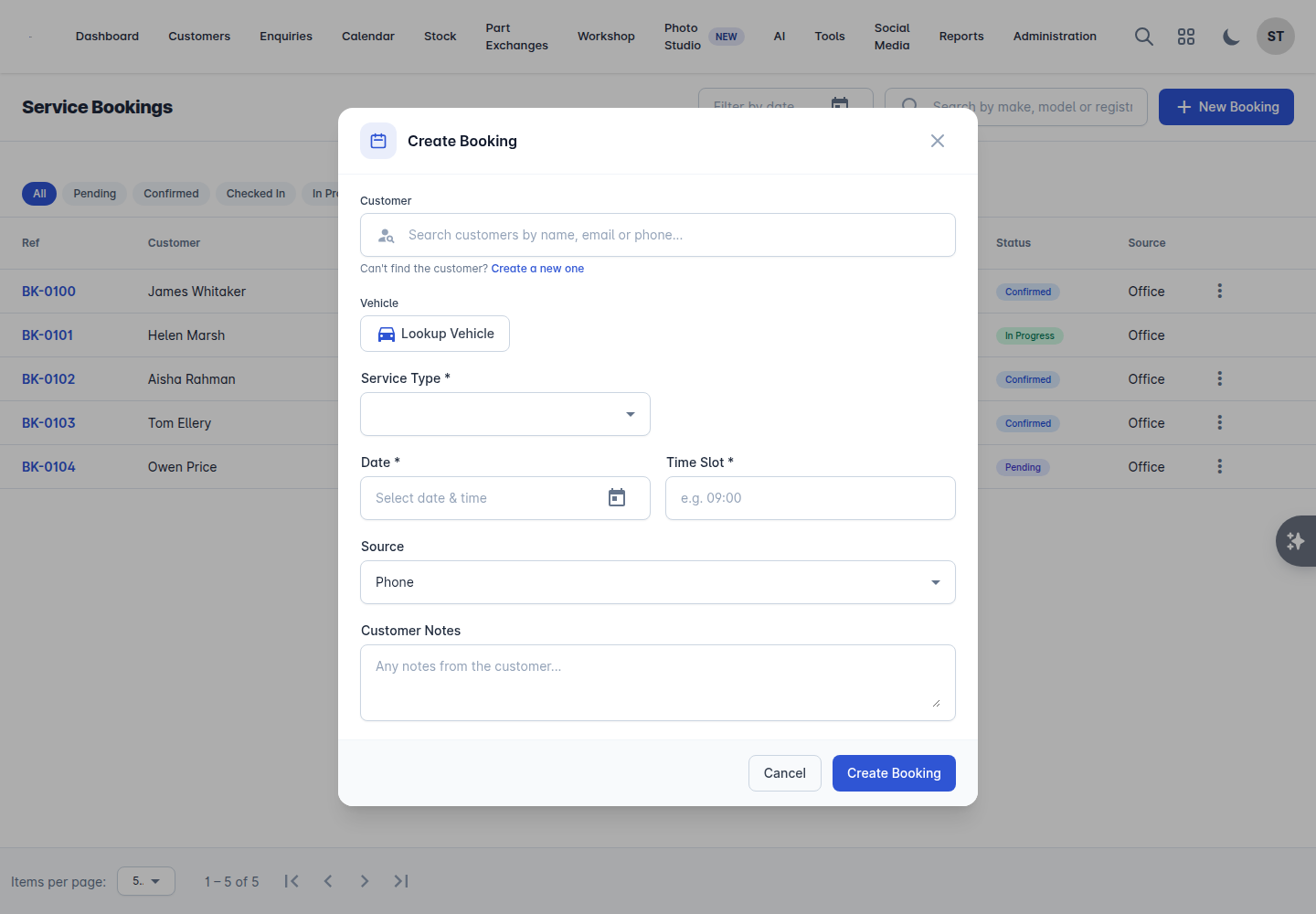
Select New Booking.
Find the Customer. Search by name, or select Create new customer if they are not on the system yet.
Choose the Vehicle, or Lookup vehicle by registration. Vehiso tells you if it already knows the car, and warns you if its MOT has expired or is close to expiring.
Choose the Service Type. If the list is empty, add your service types first - see Setting up the workshop.
Choose the Branch.
Pick the Date and the Time slot. Slots come from your workshop capacity settings.
Set the Source - where the booking came from.
Add any Customer notes: what the customer says is wrong, in their words.
Select Create booking.
Internal jobs
Work on your own stock is a booking too. Turn on the internal option and the job is billed internally rather than to a customer, which keeps prep costs where they belong: on the vehicle. Internal jobs carry an Internal badge throughout.
Booking statuses
Status | Meaning |
|---|---|
Pending | Booked but not confirmed |
Confirmed | You have confirmed it with the customer |
Checked In | The customer has arrived |
In Progress | Work has started |
Completed | Work is finished |
Cancelled | Called off |
No Show | The customer did not turn up |
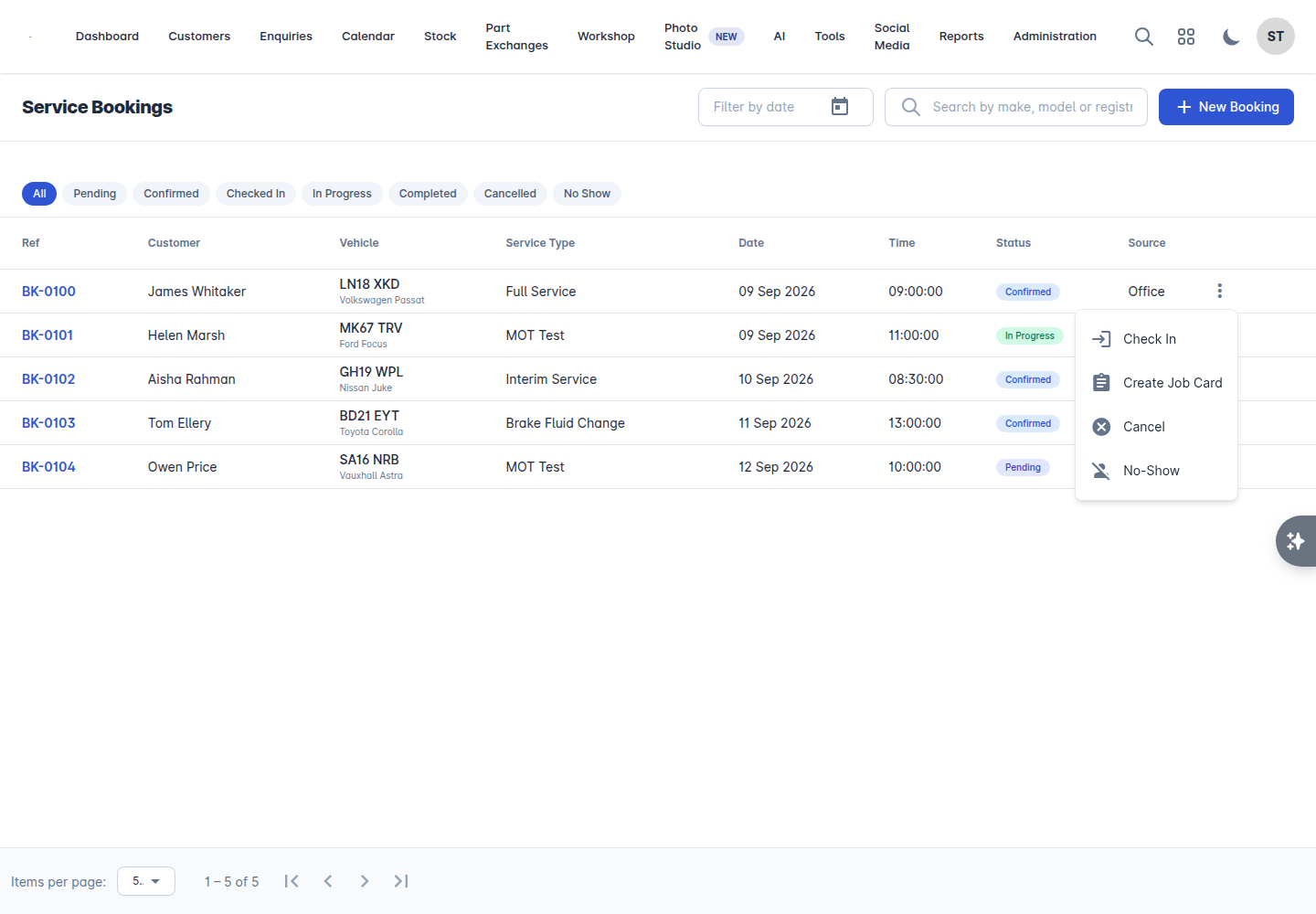
The actions on each booking follow that flow: Confirm booking, Check in, Create job card, Cancel booking and No show.
When the car arrives
Check in the booking.
Create job card. Everything on the booking carries across - customer, vehicle, service type, notes.
Work the job card. See Working a job card.
Walk-ins
Someone turning up without a booking does not need one inventing. Use Walk-in to raise the job directly.
Finding things
The list has a search box and a date filter, plus filters by status. Clear date filter puts you back to everything.
Keeping the diary honest
No show exists for a reason: use it. Your workshop report tracks your no-show rate and your booking conversion rate, and both are only as good as the statuses your team sets.