
Tasks and appointments
Two different things, easy to confuse:
A task is something you have to do, with an owner and a deadline. Chase the finance. Order the second key.
An appointment is time booked with a customer. A test drive. A handover.
Both appear on the calendar and on the dashboard.
Tasks
On an enquiry
Open the enquiry and select Add Task.
Choose who it is Assigned to.
Set the Due Date / Time.
Write the Description.
Select Create task.
On a vehicle
Prep work belongs on the car, not on a deal, so add it from the vehicle's Tasks tab instead: Add Task, then the User, Due Date / Time and Description / Note. See Costs, notes and tasks.
Finishing them
Tick Mark as done on the enquiry, Mark as Completed on a vehicle, or Complete from the calendar. If you closed one too soon, Mark as not done puts it back.
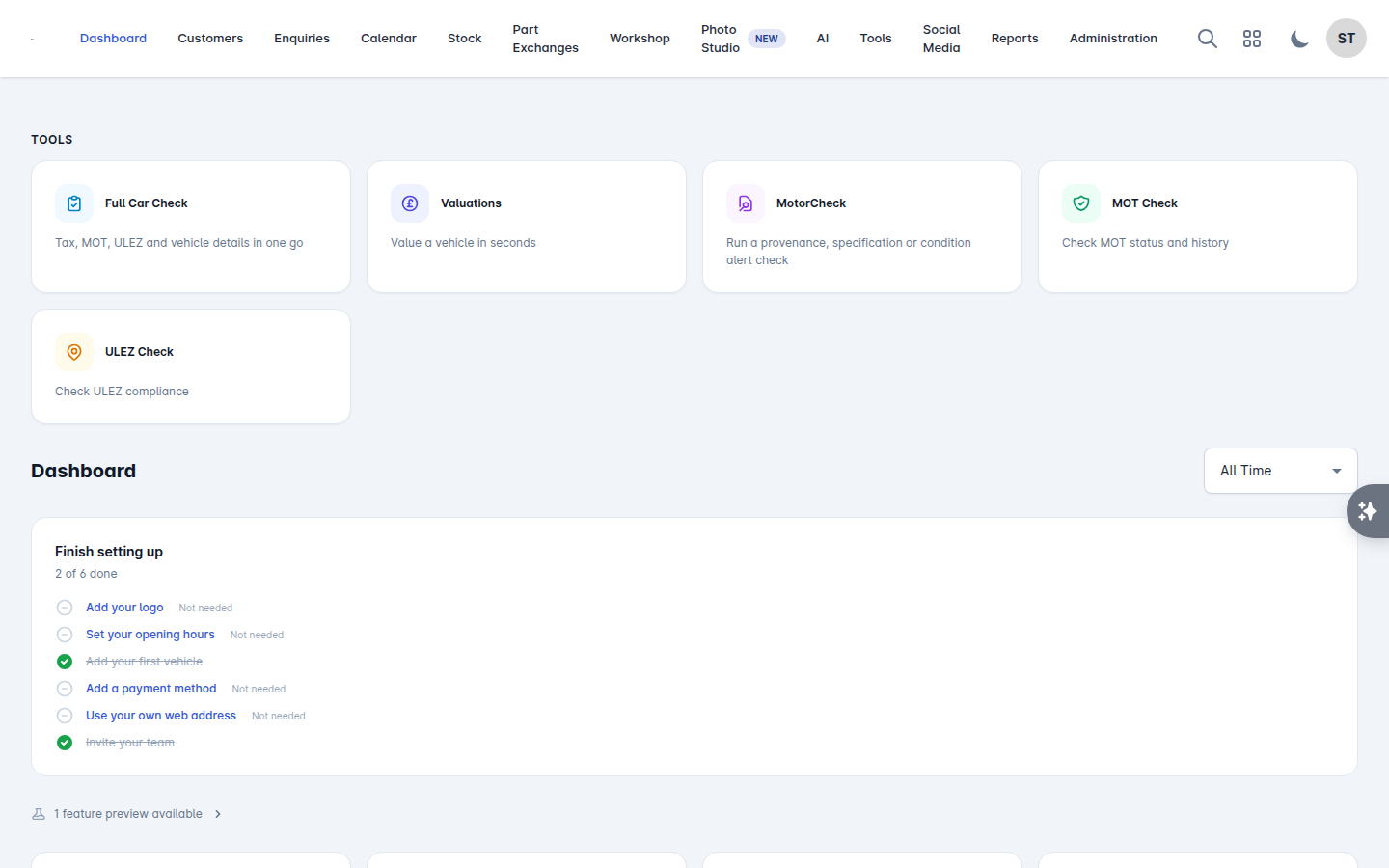
Outstanding tasks are listed on the dashboard under Tasks, so the first thing you see each morning is what you promised to do.
Appointments
Appointments are created from an enquiry, because an appointment without a deal behind it is just a diary entry.
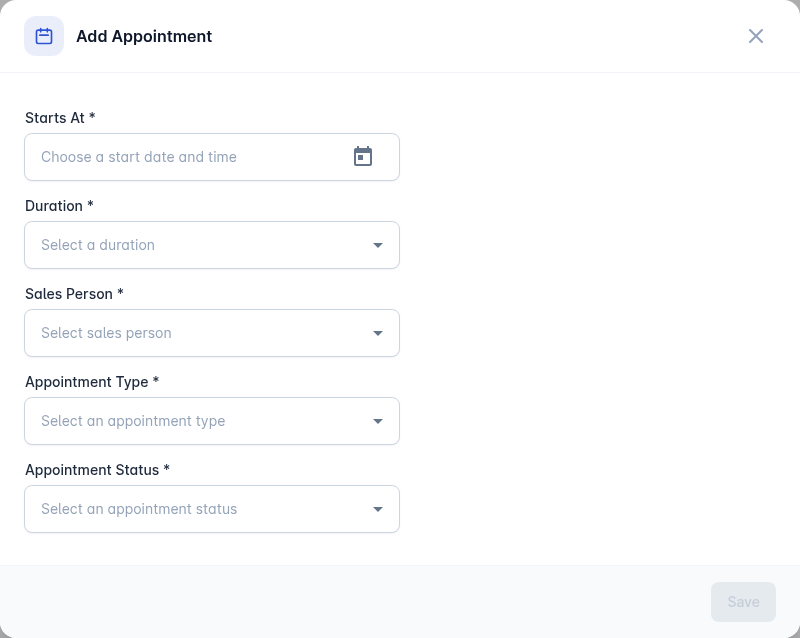
Open the enquiry and select Add Appointment.
Set Starts At and a Duration.
Choose the Appointment Type:
Demonstration
Test Drive
Paperwork Completion
Handover
Choose the Appointment Status: Booked, Completed or Cancelled.
Save.
Handover appointments
When you create an order you can tick Create Handover Appointment and Vehiso books it for you, using the handover salesperson and duration you choose. It saves doing the same job twice and means the handover is in the diary from the moment the deal is agreed. See Offers and orders.
Keeping statuses honest
Set an appointment to Completed when it happens and Cancelled when it does not. It takes a second, and it is the difference between a calendar you trust and one everybody ignores.
Upcoming appointments are listed on the dashboard under Upcoming Appointments.