
Using the calendar
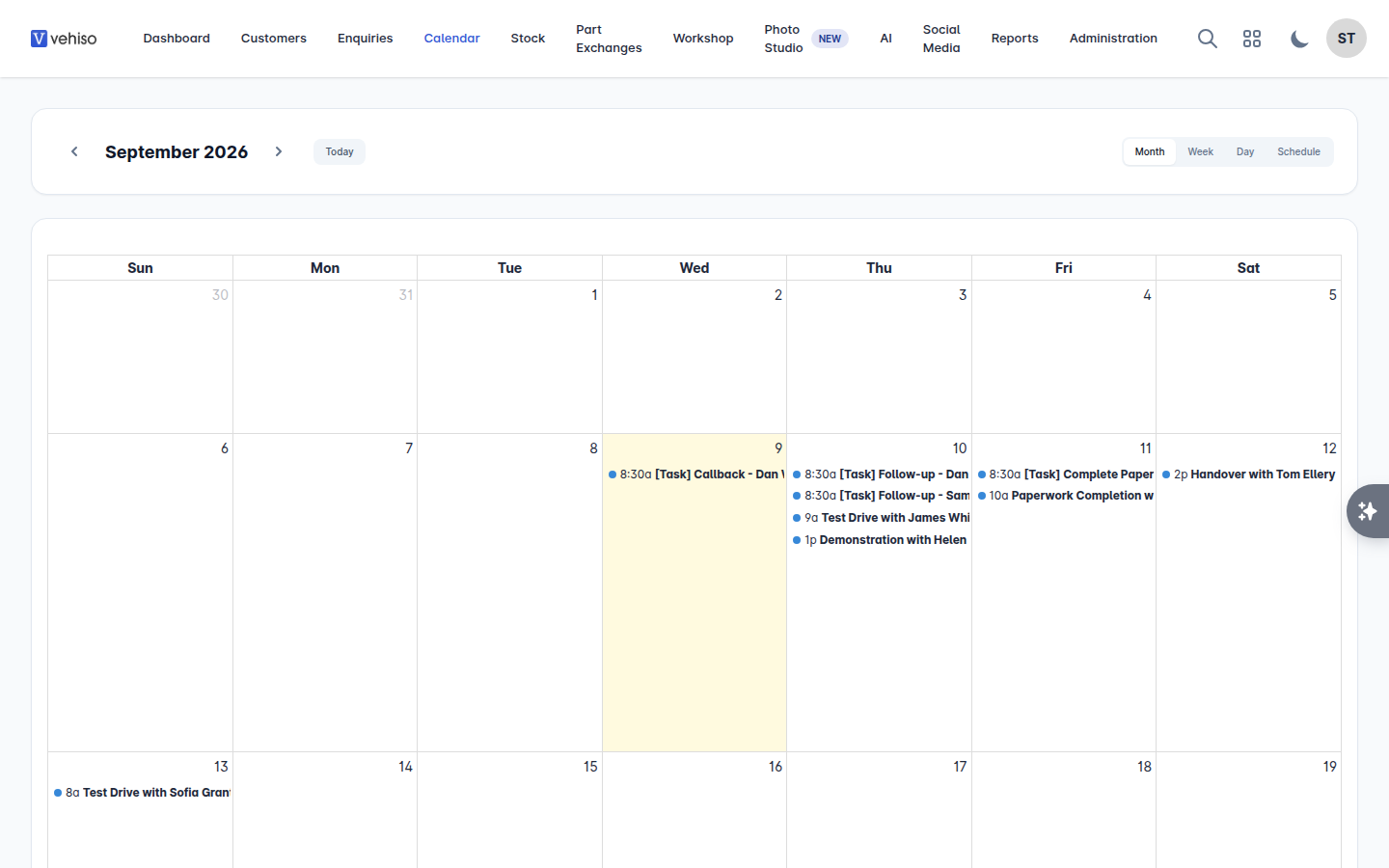
The calendar is everything that has a time against it, on one screen: customer appointments, workshop bookings and tasks that are due.
Go to Calendar.
Moving around
Month, Week, Day and Schedule change the view. Schedule is a straight list, which is the easiest one to read on a phone.
Previous and Next move a month, week or day at a time.
Today brings you back.
Appointments
Select an appointment to open Appointment Details: the Customer, Date & Time, Type, Status, Vehicle, Notes and where it came from.
Go to Enquiry takes you to the deal it belongs to, which is where you would add a note after the visit or move the enquiry along.
Workshop bookings
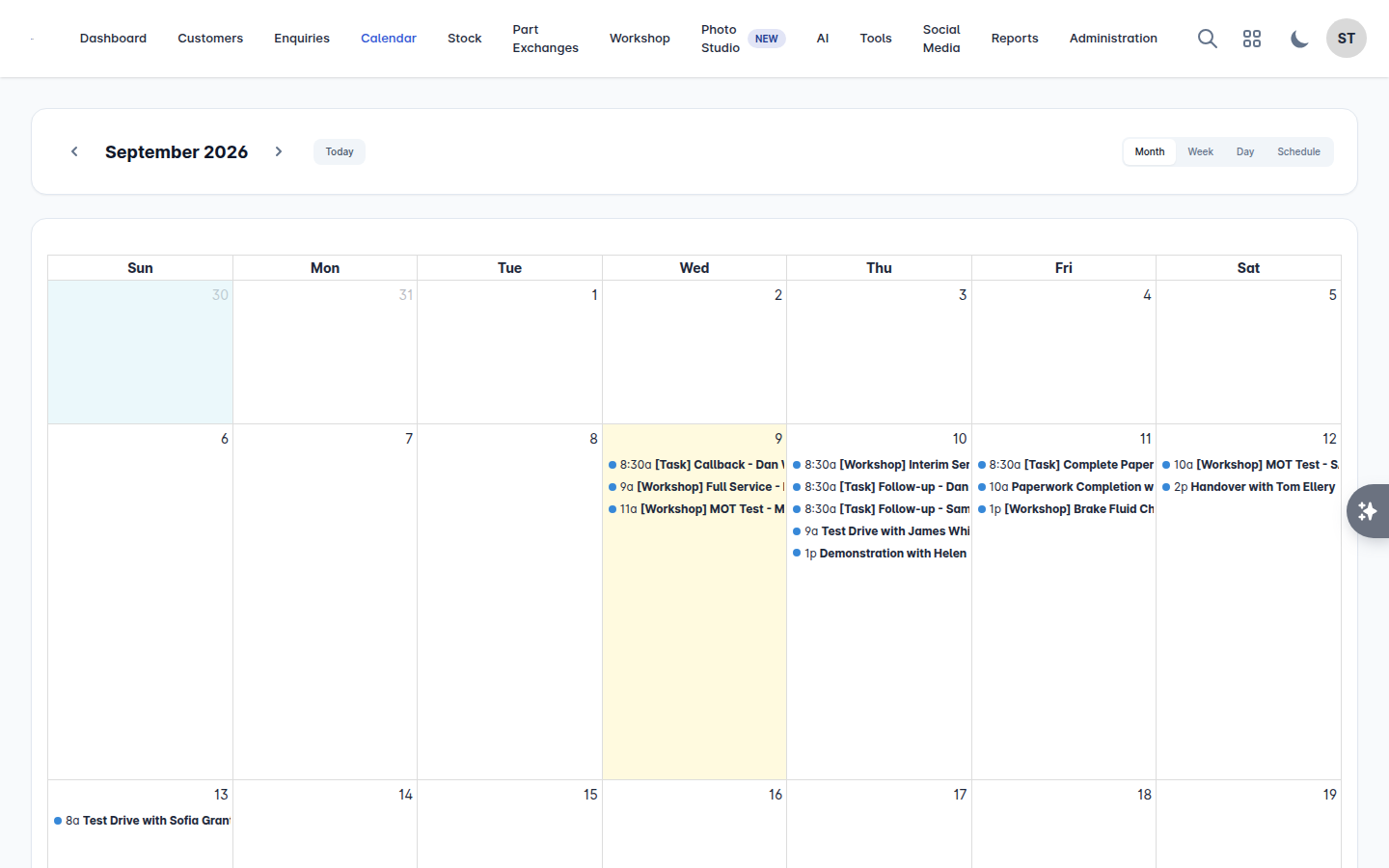
Select a booking to open Workshop Booking: the Customer, Date & Time, Service, Vehicle, Status and Notes, with View Job Card and View Bookings to work on it properly. See Taking workshop bookings.
Tasks
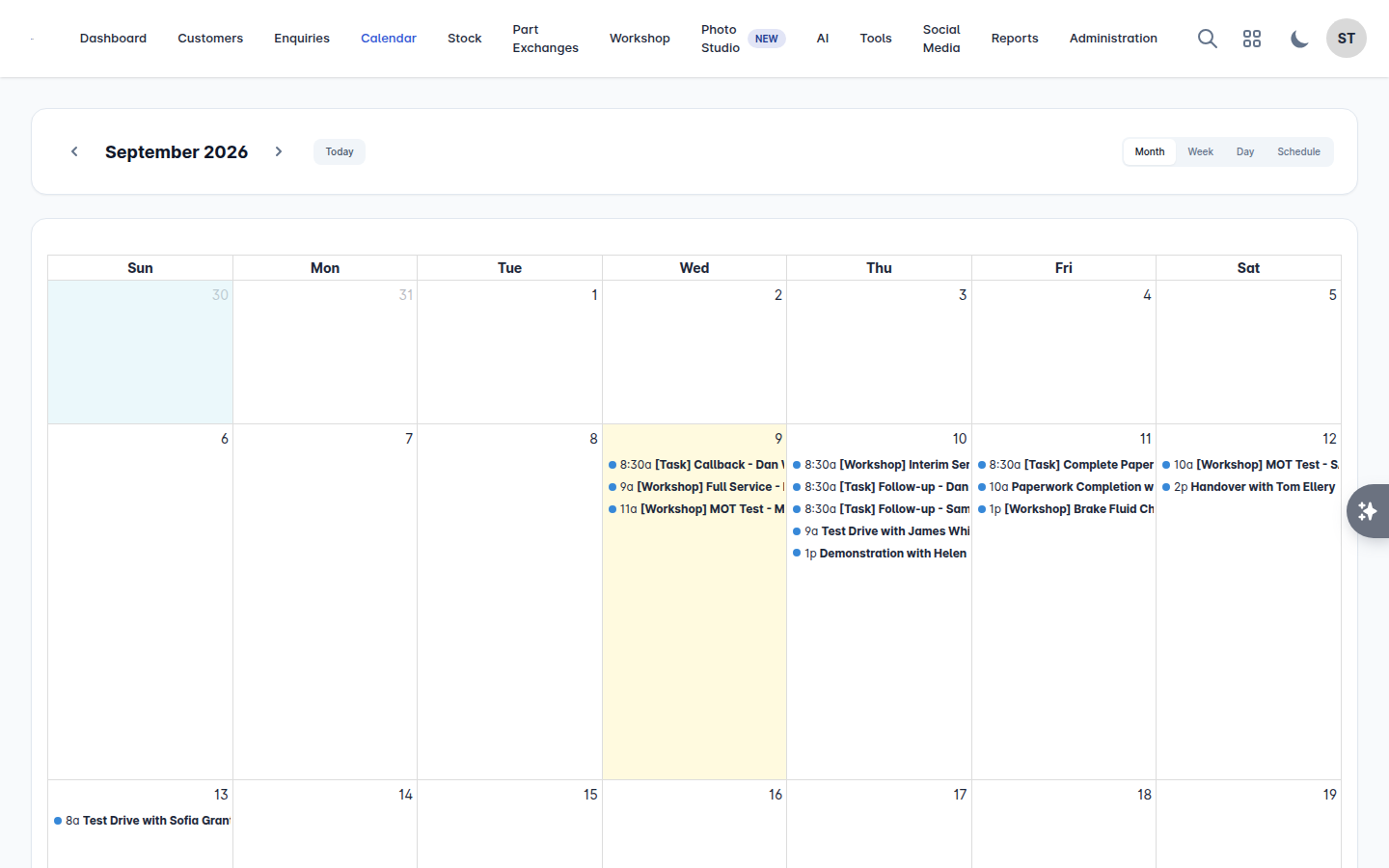
Select a task to open Task Details: its Due Date, Description, the Enquiry it belongs to, and its Completed Date if it is done. Mark it Complete or Incomplete right there, or Open enquiry to deal with it properly.
Where things get created
Nothing is created on the calendar itself. Each type of entry is created where it belongs:
Entry | Created from |
|---|---|
Appointment | An enquiry - Add Appointment. See Tasks and appointments |
Task | An enquiry or a vehicle - Add Task |
Workshop booking | Workshop > Bookings, or your website's online booking page |
That keeps every diary entry attached to the record it came from, so opening it always tells you the whole story rather than just the time.