
Photos and media
Photos sell cars. A listing with twenty consistent, well-lit photos gets more enquiries than the same car with four taken on a wet Tuesday, and the difference is bigger than most dealers expect.
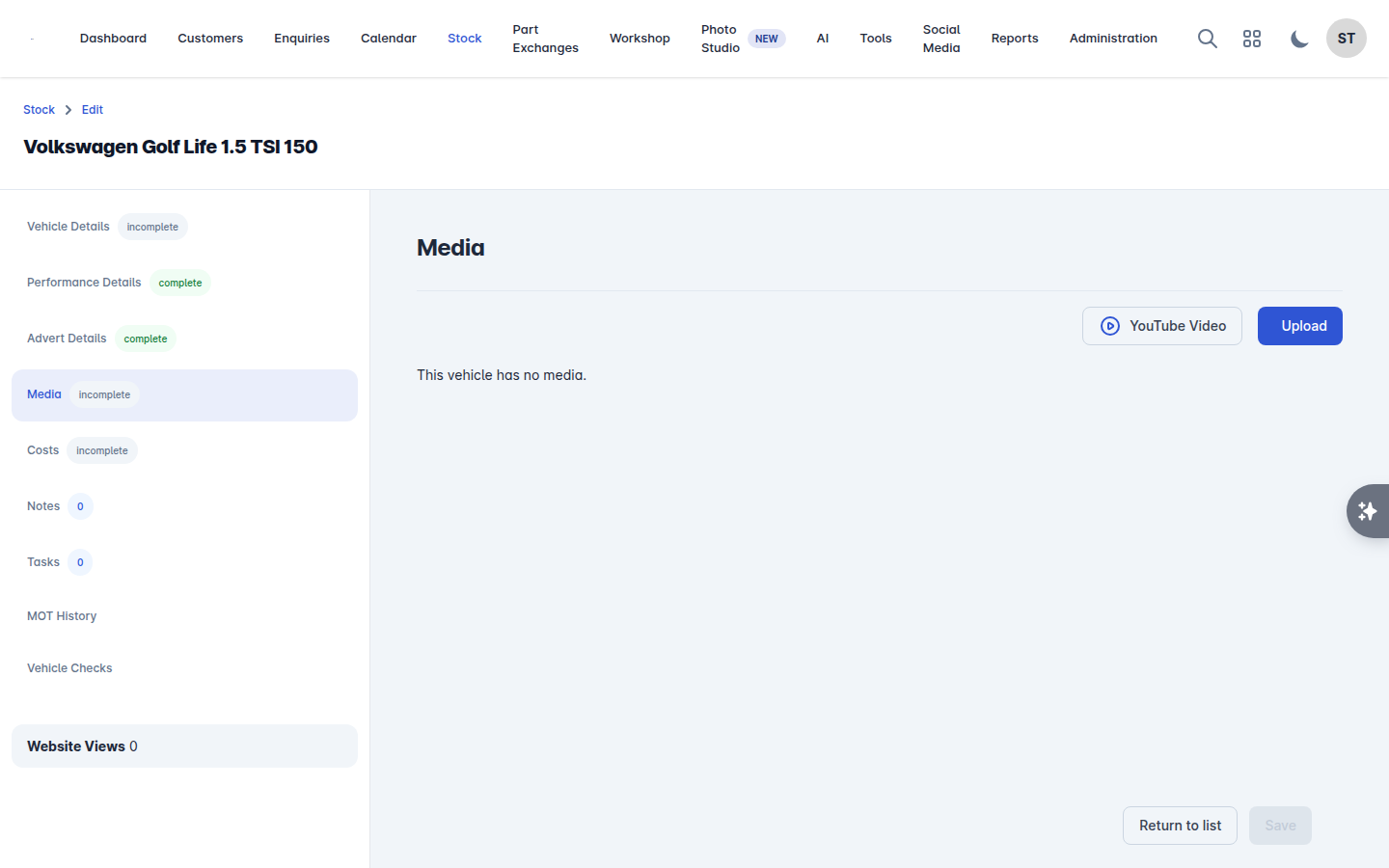
Open the vehicle in Stock and go to the Media tab (or the Photos step in the new stock experience).
Adding photos
Select Upload and choose your files, or drag them in. Photos upload in the background, so you can carry on while they finish.
The first photo is the main image: it is what appears on your website listing, in your stock list and on your adverts. Get the three-quarter front shot in that position.
Reordering
Drag a photo to move it. The order here is the order customers see, so it is worth putting some thought into: exterior angles first, then interior, then boot, engine bay and any detail shots. Put damage shots in rather than leaving them out - they save arguments later.
Deleting
Deleting a photo asks you to confirm, and cannot be undone. If a photo has been published to a feed, remember to let the feed resync afterwards.
YouTube video
Add a walkaround video by pasting its address into YouTube Video URL, in the form https://www.youtube.com/watch?v=ABC123. It appears alongside the photos on your website listing.

Syncing photos with AutoTrader
Where the vehicle is on AutoTrader, Sync with AutoTrader pushes your current photos and their order across. It can take a few minutes to appear on the advert.
Tidying photos up
Edit in Photo Studio takes you straight to the Photo Studio with this vehicle loaded, where you can put every photo on the same background, add your logo, and publish the results back to the listing. See Photo Studio.
Practical advice
Shoot in the same spot, at the same time of day, at the same angles. Consistency is what makes a forecourt look professional online.
Clean the car and clear the background first. Photo Studio can replace a background, but it cannot valet the car.
Photograph the mileage, the service book and the keys. Buyers look for them.
Do not use manufacturer press photos. They set an expectation the actual car will not meet, and some advertising channels reject them.