
Create an enquiry
An enquiry is one customer's interest in one vehicle, tracked from first contact to a delivered order. It is where you log every call, note, appointment, offer, order, invoice and payment for that deal.
Enquiries usually create themselves: a customer submits your website enquiry form, a portal sends you a lead, or someone applies for finance. Create one by hand when a customer walks in or phones.
Creating one
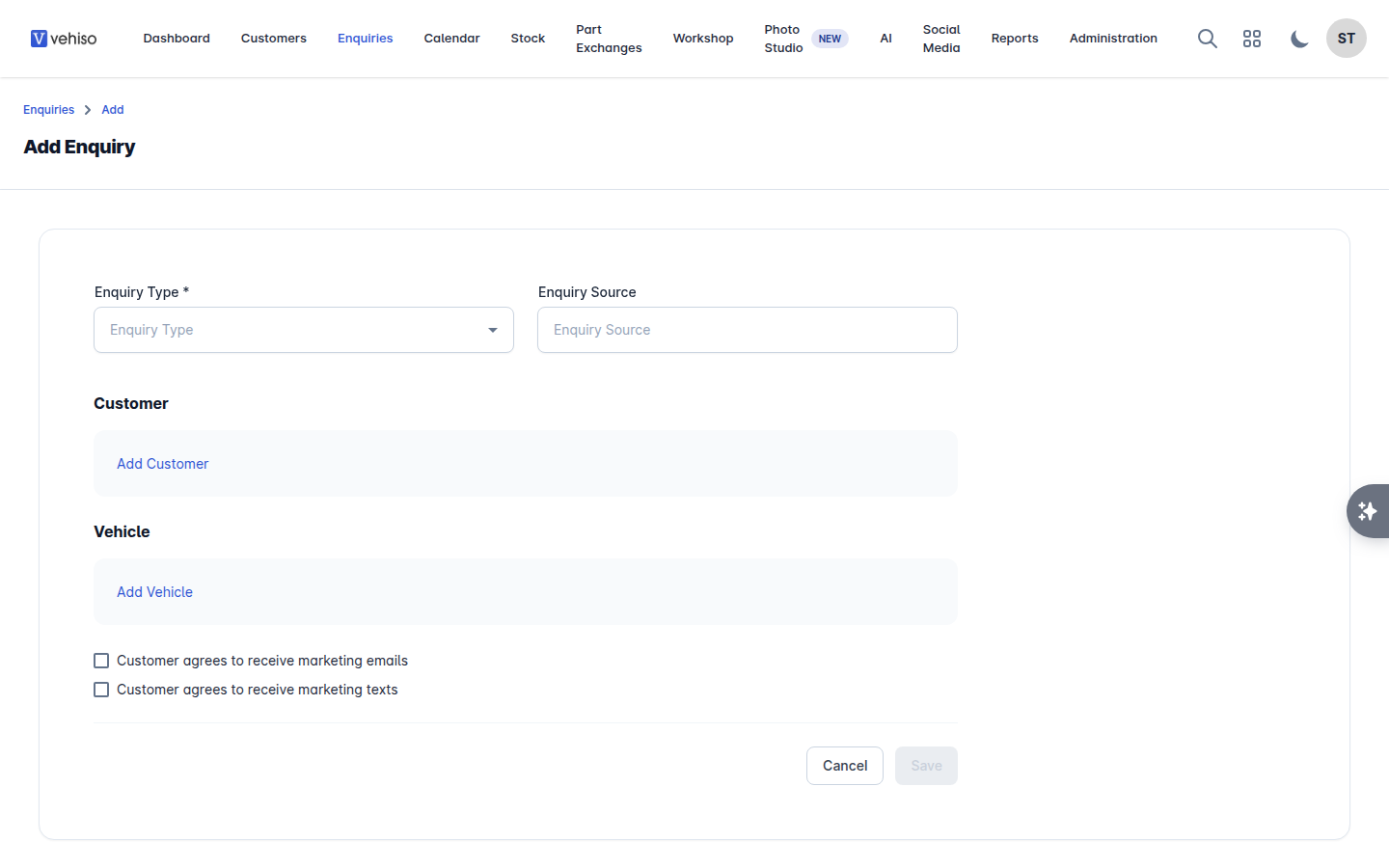
Go to Enquiries and select Add. If you already have the customer's record open, select Add enquiry there instead - the form opens with them already chosen, and Cancel takes you back to their record.
Choose the Enquiry Type. The standard options are New, Pre-Owned and Motability.
Choose the Enquiry Source - where the lead came from. Vehiso ships with Website, AutoTrader, CarGurus, Motors.co.uk, AA Cars, RAC Cars and Finance Application, and you can add your own for the channels you use.
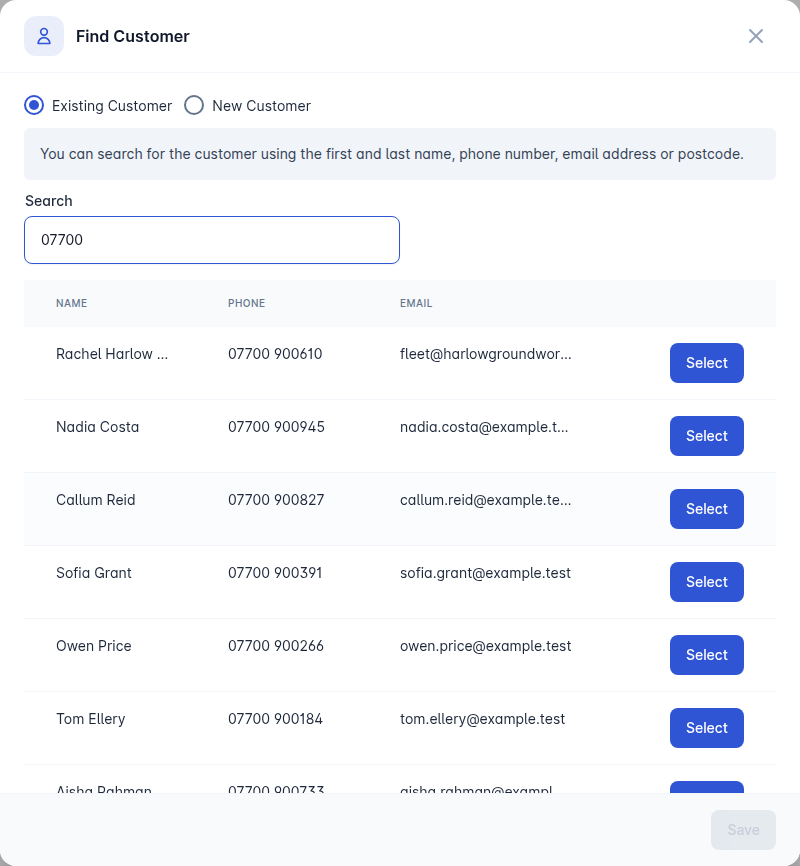
Under Customer, select Add Customer:
Existing Customer - search by first or last name, phone number, email address or postcode, then Select them.
New Customer - fill in their details there and then.
Under Vehicle, select Add Vehicle and find the car from your stock. You can search by make and model, registration or VIN. Not every enquiry has a vehicle: leave it empty if the customer has not settled on one yet, and attach it later.
Tick the marketing consents if the customer has agreed to receive marketing emails or texts.
Select Save.
The enquiry opens on its detail page, ready to work. See Working an enquiry.
Enquiry statuses
Status | Meaning |
|---|---|
Lead | A new enquiry nobody has worked yet |
Ongoing | Being actively worked |
Order | The customer has committed and an order exists |
Delivered | The vehicle has been handed over |
Lost Sale | The customer is not going ahead |
Cancelled Order | An order that was agreed and then fell through |
Archived | Out of the pipeline and out of the way |
Change the status from the enquiry with Update Status. Creating an order moves the enquiry to Order for you.
Working your list
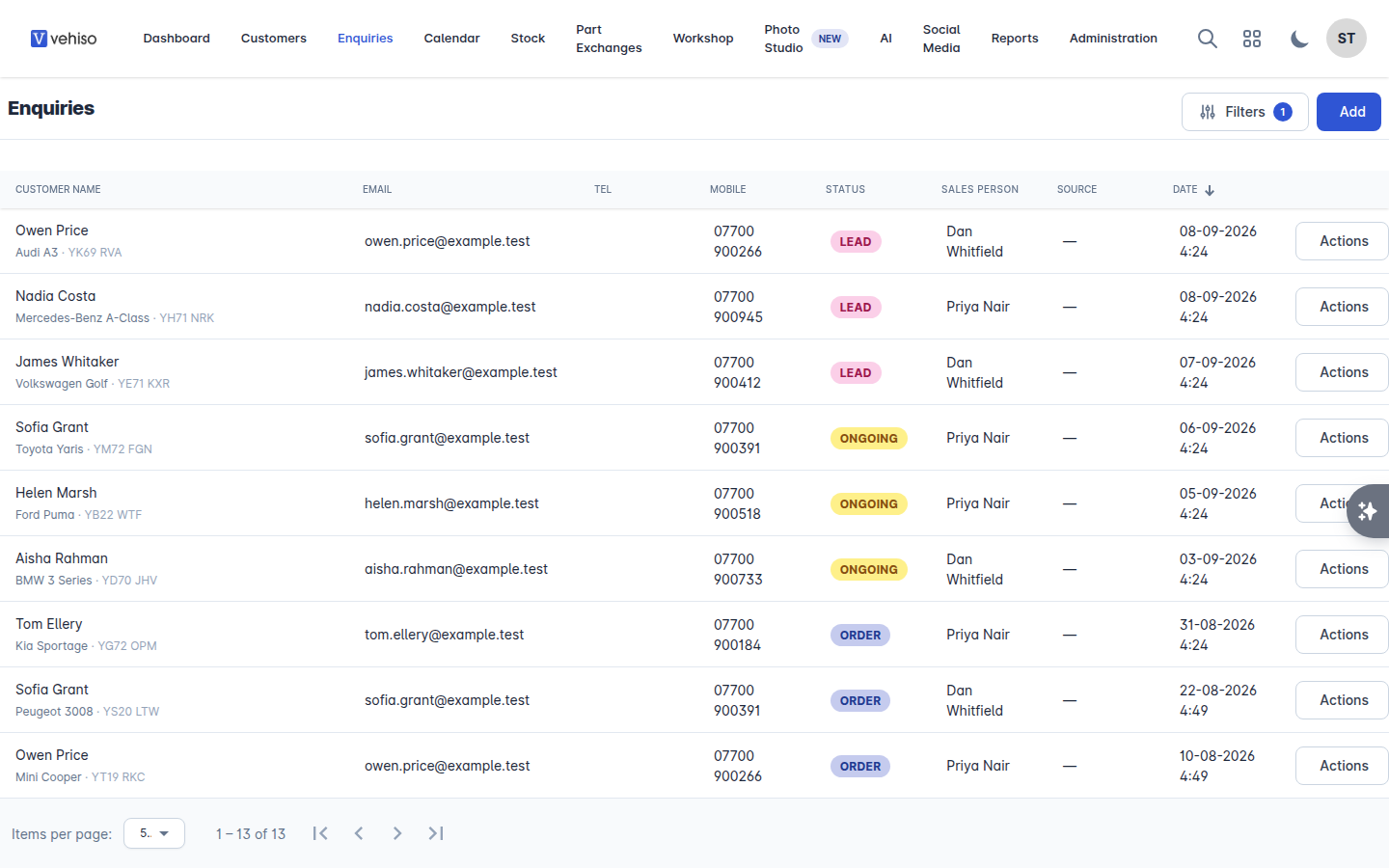
The Enquiries list opens showing your live pipeline: Lead, Ongoing and Order. Anything delivered, lost, cancelled or archived is out of the way until you ask for it.
Use Filters to narrow it down by:
Enquiry Statuses
Customer Name, Email, Tel or Mobile
Vehicle
Sales person, including Unassigned
Source
Date
Unassigned is the filter worth checking daily if you do not have lead assignment switched on. It is where leads go to die.
Where leads come from
Your website - the enquiry form, and the reserve or deposit flow.
Finance applications - a customer applying through your site creates an enquiry with the application attached. See the Finance tab in Working an enquiry.
Portals - AutoTrader, CarGurus and other channels you are connected to.
Your team - anything logged by hand.
Whichever way one arrives, it is the same record and works the same way.
Deleting an enquiry
Delete this enquiry permanently removes the enquiry and everything on it, and cannot be undone. For a deal that simply did not happen, set the status to Lost Sale instead: you keep the history, and the customer still shows up in reporting and in AI agent audiences.