
Branches and opening hours
A branch is a location you trade from. Even single-site dealers have one, because branches carry the address on your paperwork, the opening hours on your website, and the stock feed connections for that site.
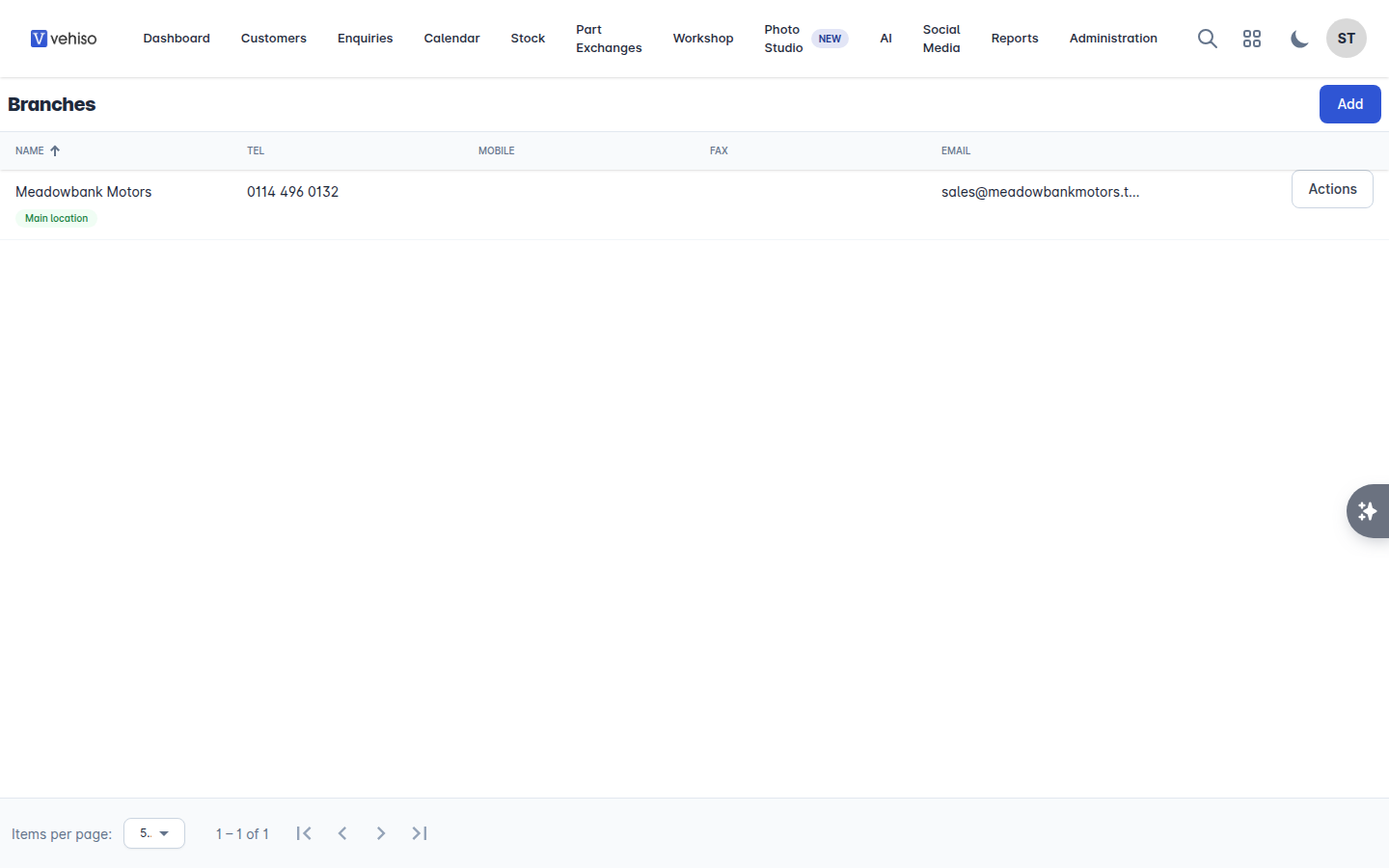
Go to Administration > Branches.
Adding a branch
Select Add.
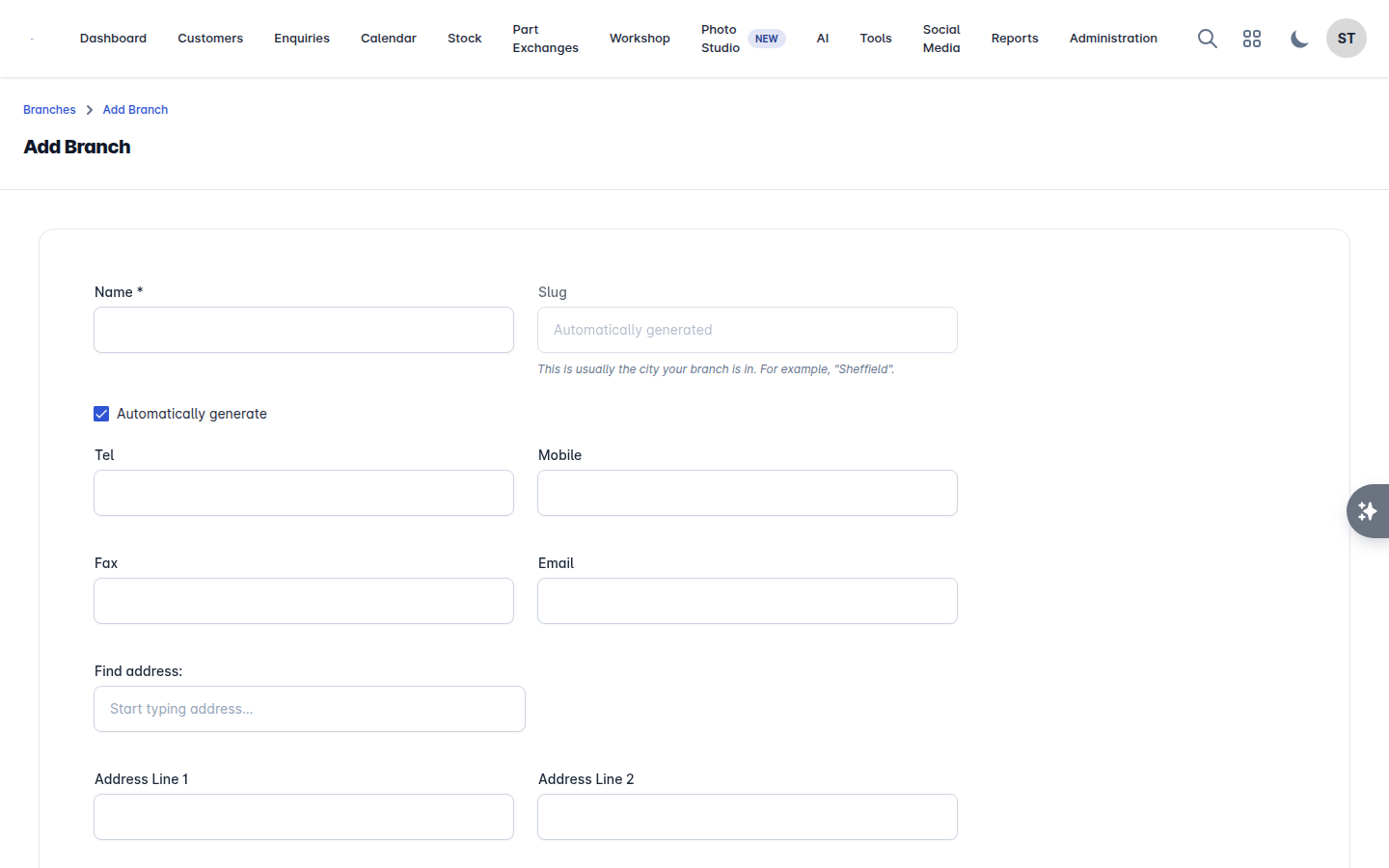
Fill in the details.
Field | Notes |
|---|---|
Name | What you call this location |
Slug | Usually the town or city, for example "Sheffield". Leave Automatically generate ticked unless you need a specific one |
Tel, Mobile, Fax, Email | The contact details for this location |
Address Line 1 and 2, City, County, Postcode, Country | Used on paperwork and on your website |
About this location | A short description shown on your website |
Under Company details, you can override your business-wide details for this location: company registration number, VAT number, whether this location is VAT registered, and its FCA number. Leave them blank to use your business-wide details.
Select Save.
Opening hours
Opening hours appear on your website and drive workshop booking availability.
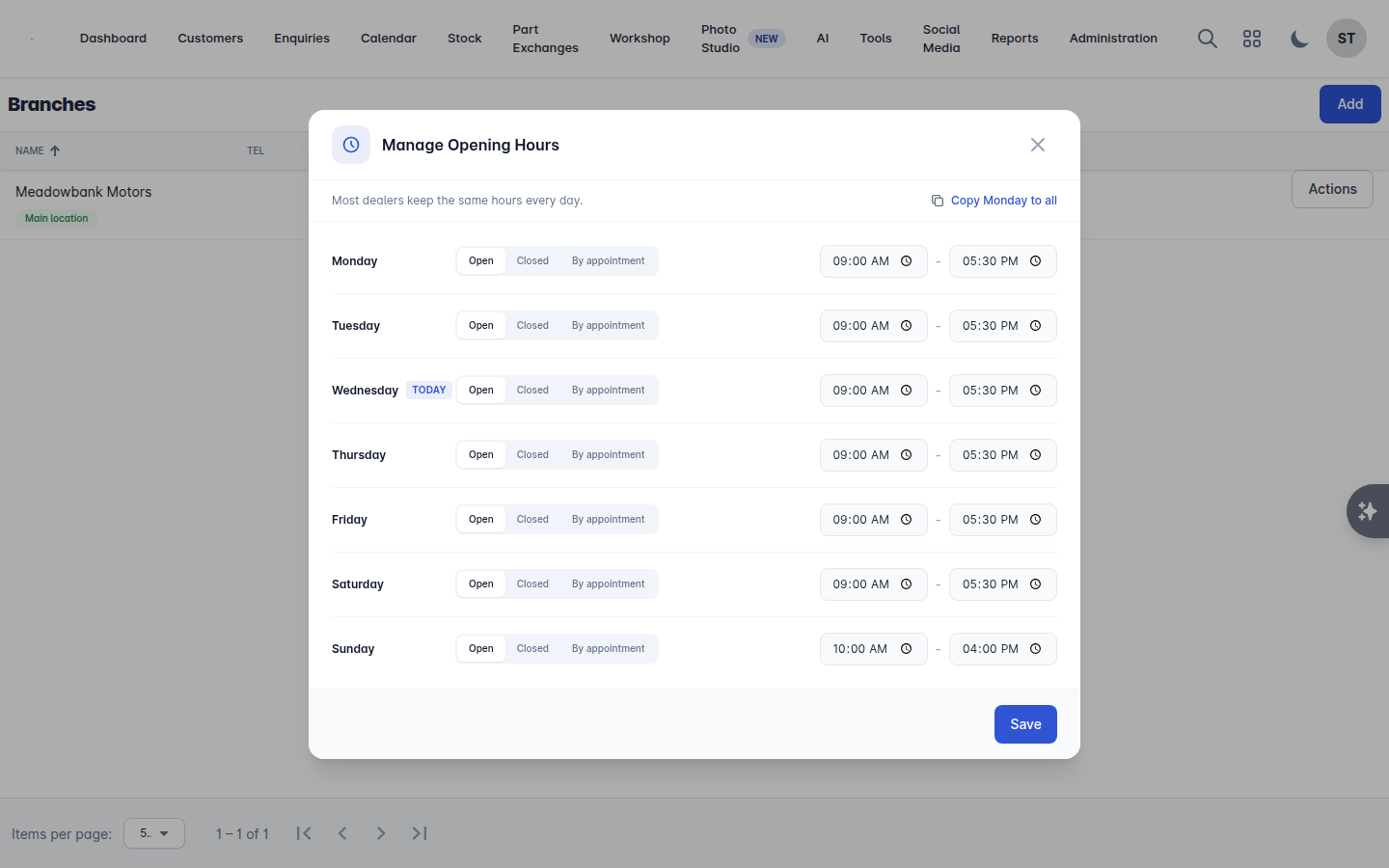
On the branch row, choose Actions > Opening Hours.
Set an Opening Time and Closing Time for each day.
Tick Closed? for days you do not open, or Appointment Only? for days you are only open to booked customers.
Most dealers keep the same hours every day, so set Monday and use Copy Monday to all.
Select Done.
A day set to open must have both an opening and a closing time, or the hours will not save and Vehiso names the day that is incomplete. Days marked Closed? or Appointment Only? need no times.
Your main location
One branch is your Main location. It is the default for new records and the one used where a single address is needed.
To change it, choose Set as main location on another branch and confirm.
Archiving and deleting
Archive takes a location out of everyday use without losing its history. Archived branches show an Archived badge and can be restored later.
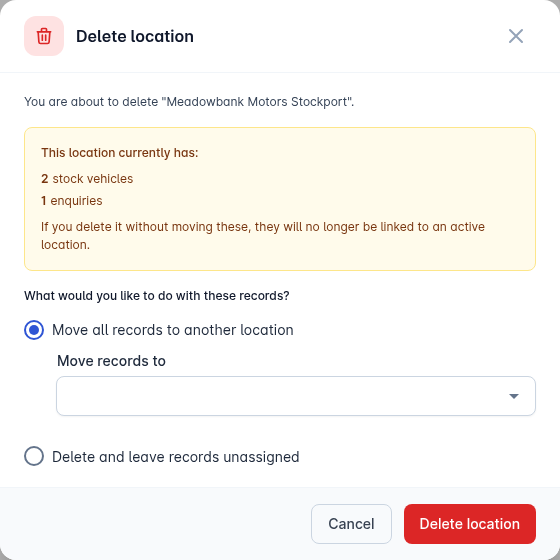
Delete removes it for good. Before deleting, Vehiso checks what is linked to that location and tells you what it found. You then choose either:
Move all records to another location - pick the location they should move to, or
Delete and leave records unassigned.
You cannot delete your main location. Set a different location as main first.
Stock feed connections per branch
Stock feed integrations such as AutoTrader are connected per branch, because each site has its own advertiser account. From the branch you can Connect AutoTrader by entering your Advertiser ID and choosing the Integration Type:
Stock Retrieval - bring your adverts into Vehiso
Stock Retrieval and Update - bring them in and push your changes back
See Advertising your stock for the full picture.
Where branches show up
Every vehicle has a Branch, which is the location it is listed or sold from.
Job cards belong to a branch, and the branch issues the workshop invoice. A job card's branch is fixed once it has been invoiced.
Users can be assigned to a branch.
Reports and the AI recommendations panel can be filtered by branch.